

Most advice on automatic content creation gets the starting point wrong. The problem isn't how to make more drafts faster, it's how to keep those drafts moving through research, review, brand control, and publication without creating a quality mess that marketing and legal have to clean up later.
That shift matters because automatic content creation moved from a narrow creative aid to a broader workflow layer. Seagate's white paper notes that 74.7% of respondents said generative AI lets employees outside traditional creative roles generate content, which is a pretty clear sign that content production is no longer limited to specialist writers and designers. The same report also places the artificial-intelligence-generated-content market at $15 billion in 2025 with a 25% CAGR through 2033 Seagate white paper.
For DTC teams, the key question isn't whether AI can draft a page. It's whether you can run a governed production system that ships on-brand pages, catches compliance issues, and proves which pages drive business outcomes.
Table of Contents
- Why Automatic Content Creation Is an Orchestration Problem
- The Three Methods Behind Automatic Content Creation
- Building a Multi-Stage Content Production Workflow
- Benefits, Limitations, and Risks You Need to Know
- Best Practices for Governance and Quality Control
- How to Pilot Automatic Content Creation for Your Store
- Real DTC Examples of Automated Content at Scale
Why Automatic Content Creation Is an Orchestration Problem
A lot of people still talk about automatic content creation like it's a drafting shortcut. That framing breaks down the moment a team needs to publish something that has to match an ad promise, fit a brand voice, and survive compliance review. The hard part isn't producing text. It's coordinating the handoff between inputs, generation, review, and release.
The strongest systems start with structured inputs, not freeform prompts. Briefs, templates, product data, audience parameters, and brand-voice rules give the model enough context to generate something usable, instead of something generic that needs a full rewrite Trail ML on automated content generation. That's why the teams that treat AI like a one-click writer usually stall out, while teams that treat it like a pipeline can keep shipping.
Practical rule: if a page needs to persuade a cold buyer, the workflow matters more than the prompt.
The other missing piece is multi-stage orchestration. Modern systems chain specialized agents for research, outlining, drafting, revision, and publication, which reduces manual handoffs and makes high-volume blog or page production realistic LinkedIn discussion on AI-powered blogging workflows. That matters for DTC because conversion pages fail in predictable ways when they're generated in one shot. They miss proof hierarchy, they over-explain weak claims, or they sound like a generic brand trying to talk like a direct-response ad.
A useful starting point is the automatic content creation guide from ShortsNinja, especially if you want a broad overview before building a workflow. The important takeaway, though, is this. Scale comes from orchestration, not from asking the model to write harder.
Templates
Templates are the most reliable starting point because they constrain the structure. A DTC comparison page, a skincare ingredient explainer, or a supplement advertorial all benefit from a repeatable frame. When the layout is fixed, the system can focus on filling in the variable parts, like product claims, proof points, and audience-specific language.
ML and NLG
Machine learning and natural language generation are the engine behind the draft itself. They're useful for turning a brief into a readable first pass, but they need guardrails. On their own, they'll happily create a polished paragraph that doesn't match your offer, your compliance rules, or the actual product page you're sending from.
Data-Driven Dynamic Content
Data-driven generation is where the page changes based on audience or context. A returning visitor, a cold Meta click, and a search visitor comparing ingredients shouldn't see the same opener. Dynamic inputs make the page feel specific without forcing the team to hand-write every variation.
The Three Methods Behind Automatic Content Creation

The fastest way to understand automatic content creation is to separate the methods, then see how they combine in production. Templates handle structure, ML and NLG handle language, and data-driven systems decide what should change for each audience or use case.
A simple example is a product-comparison page for a home fitness brand. The template controls the section order, the machine-generated copy fills in the benefit statements, and the data layer swaps in product names, use-case language, or audience segment references. That gives you a repeatable page type that still feels customized.
Templates
Templates work best when the output needs consistency more than novelty. Think ranked listicles, ingredient explainers, “best of” pages, or brand-safe comparison pages that follow a fixed narrative arc. If the page structure already works, templates keep the system from wandering.
ML and NLG
ML and NLG are better when the copy has to sound fluent and persuasive. They're good at turning a product URL or brief into a readable draft, especially if the inputs already contain offer details, proof, and brand guidance. Without that context, though, they produce content that sounds confident and lands nowhere.
Data-Driven Dynamic Content
Data-driven generation is strongest when different users need different versions of the same message. A paid-social landing page can swap in headlines, objections, or social proof depending on audience segment or traffic source. That's where automation starts to influence conversion, not just content volume.
For a practical example of a ranked, scannable format, see this internal guide on AI-generated listicles. It's useful because listicles are one of the cleanest places to combine structured input with controlled variation.
A good automated page doesn't feel “generated.” It feels like someone selected the right angle faster than a human team could manually do it.
The same logic applies if you're comparing tools like Trackingplan's agentic AI guide. The decision isn't which method sounds most advanced. It's which method gives your team enough control to publish safely, edit quickly, and test variations without creating extra cleanup work.
Building a Multi-Stage Content Production Workflow

A production workflow for a pre-sell page should look more like an assembly line than a blank-page writing exercise. The best teams separate the work into stages so they can inspect quality before problems hit the live page.
For a DTC supplement advertorial, the input set usually starts with a product URL, ingredient list, landing page angle, top objections, and any proof that can be defended. From there, the workflow should move through research, outline generation, draft creation, review, compliance, and publication. Each stage should have a clear owner, even if the owner is a system rather than a person.
Research and outlining first
The first pass should collect the facts the page is allowed to use, then turn those facts into a narrative skeleton. That prevents the model from inventing claims to make the copy feel stronger. It also gives the reviewer a place to catch bad logic before the page gets too polished to fix cheaply.
Draft, review, and publish
Once the outline is sound, the draft can be generated in full. The review step should not be a casual skim, because the problems here are usually subtle, such as a weak transition, a claim that stretches the evidence, or a paragraph that sounds off-brand. After that, legal or compliance can review the page if the category requires it, and the final version can go into Shopify, Webflow, or a hosted landing page flow.
If you're building this with agents, the important part is sequencing. One-shot generation tends to produce acceptable paragraphs and weak page architecture. Multi-stage orchestration lets you correct the architecture before you ask the model to do the line-level work.
The YouTube embed below is helpful if you want to see a workflow-style approach mapped visually.
The practical win is handoff reduction. Instead of one person writing, another person restructuring, and a third person cleaning compliance issues after the fact, the workflow catches more of that friction earlier.
Benefits, Limitations, and Risks You Need to Know
The benefit case for automation is obvious to anyone who has shipped landing pages under pressure. It shortens the path from idea to live page, it makes iteration less expensive, and it lets teams test more angles without waiting on a full creative queue. For DTC marketers, that matters because speed often decides which message reaches paid traffic first.
The downside is that automation doesn't naturally understand whether a page is good. It can produce fluent copy that is structurally weak, repetitive, or too vague to move a buyer. Thin content and duplicate patterns also create SEO risk if the system keeps generating pages that look too similar.
Where automation helps
Automation is strongest when the job is repetitive and the inputs are known. Product roundups, advertorial shells, newsletter variants, and social assets all benefit from repeatable generation. Teams also get more testing velocity, because they can create more variants without starting from scratch each time.
Where it breaks
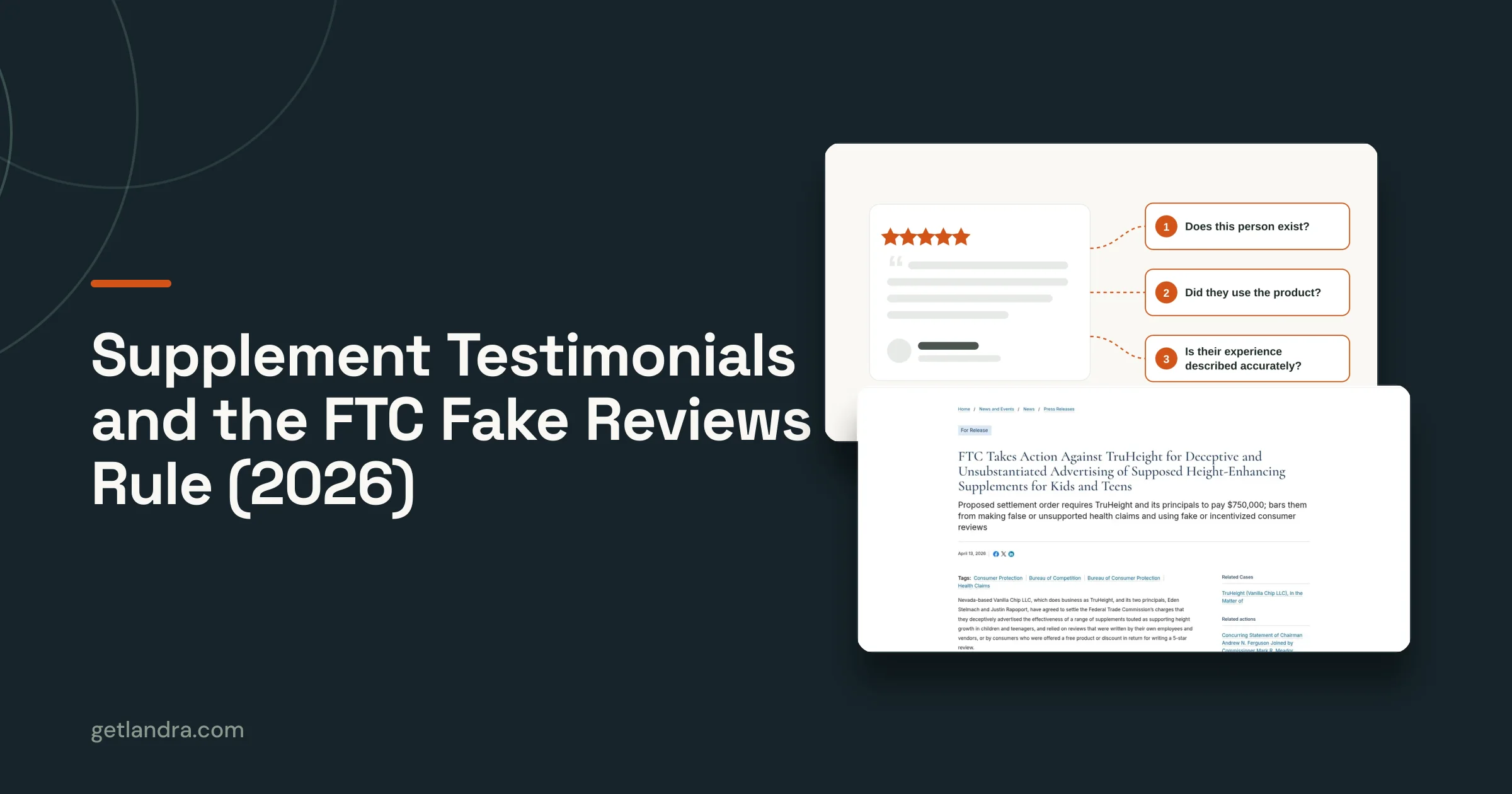
It breaks when the page needs nuanced judgment. Brand voice can drift, compliance language can get sloppy, and unsupported claims can slip through if nobody checks the output carefully. That's especially dangerous in regulated or semi-regulated categories, where a page that sounds persuasive but can't be defended creates more risk than value.
If the page would embarrass you in front of legal, it wasn't ready for automation.
One source of good practical caution is this advertorial compliance checklist. It's the kind of tool you want before you scale content output, because page volume only helps if the pages can survive review and traffic.
There's also a hard operational limit. If your review process is just “someone on the team glances at it,” the system will eventually publish something off-brand. The failure won't always be dramatic, either. Sometimes it's just enough sloppiness to lower conversion and waste media spend.
The right mindset is to treat automatic content creation as a controlled production system. Output volume matters, but only when quality control keeps pace with it.
Best Practices for Governance and Quality Control
Governance is where most automation efforts either become durable or collapse into noise. The teams that keep content useful don't just ask whether the model can write. They decide who approves what, which claims need review, and what level of deviation is acceptable before the page gets blocked.
Build approval checkpoints into the workflow
Approval shouldn't happen once at the end if the page touches offer claims, pricing language, health claims, or testimonials. Put checkpoints after outline approval and after draft review, then make the final publish step conditional on the category. That keeps expensive rewrites from happening after the page already looks finished.
Brand voice also needs to be encoded as a system, not a vague note in a doc. Give the model examples of acceptable phrasing, banned phrases, and preferred proof hierarchy. If the input doesn't tell the model what “on brand” means, it will improvise.
Separate low-risk and high-risk pages
Not every asset needs the same level of scrutiny. A top-of-funnel listicle, a comparison page, and a supplement advertorial don't carry the same risk profile. If you route everything through the same approval path, the workflow gets slow. If you route nothing through review, the workflow gets reckless.
Governance needs rules, not vibes:
- Low-risk content can publish automatically after template checks and editorial validation.
- Medium-risk content should require human review before publication.
- High-risk content should trigger legal or compliance review before anything goes live.
Measure the workflow, not just the page
The useful metrics aren't limited to publish speed. Track how often content gets rejected, how often it needs major editing, and how often it underperforms compared with the control. That tells you whether the automation layer is helping or just generating more work downstream.
If you want a deeper template for this operating model, Landra is one of the tools that can generate advertorial and listicle pages from a product or brand URL, with inline editing and outputs for Shopify, Webflow, or HTML. That's only useful if the review process around it is disciplined, because the tool doesn't replace governance, it depends on it.
The practical standard is simple. If marketing, legal, and growth all trust the output, the system is probably working. If one of those teams keeps asking to manually re-check everything, the workflow still needs tighter controls.
How to Pilot Automatic Content Creation for Your Store
A good pilot starts narrow. Pick one page type, one traffic source, and one audience segment so you can isolate what the automation is doing. If you try to automate everything at once, you won't know whether the lift came from the content, the offer, the placement, or just the novelty of the test.
Choose the right first use case
For Shopify or Webflow stores, the easiest starting points are usually advertorials, listicles, or warm-up pages for paid social traffic. Those formats benefit from structured inputs and have enough room for variation without requiring a full redesign of your core product detail pages. They're also easier to compare against a control because the intent is clear.
Set up the inputs and baseline
Feed the system the product URL, brand context, proof points, audience angle, and any compliance restrictions. Then establish your baseline from the current page or current traffic path before you change anything. Without a baseline, you can't tell whether the automated page improved performance or just looked cleaner.
Track the metrics that matter to the business:
- Conversion rate lift
- CAC impact
- Time-to-publish
- Cost per page
Run a controlled experiment
The cleanest test is a split where cold traffic goes to the automated page while the existing path stays live for comparison. You can also test one message angle against another, but don't overload the pilot with multiple variables at once. The point is to learn whether the automated page format improves the outcome you care about.
Treat the pilot like a product test, not a content stunt.
Once the first page type works, expand in the direction where you already have evidence. That usually means more variants for the same audience before it means different page types for the same campaign.
The broader pattern in 2026 marketing reporting is that content creation is the leading AI application in marketing, used by 35% of marketers, while HubSpot's 2025 State of AI data cited in the same reporting says it's the most popular AI use case in content marketing at 55% Typeface marketing statistics report. Those numbers don't tell you how to run your pilot, but they do show where the category is already concentrated.
Real DTC Examples of Automated Content at Scale
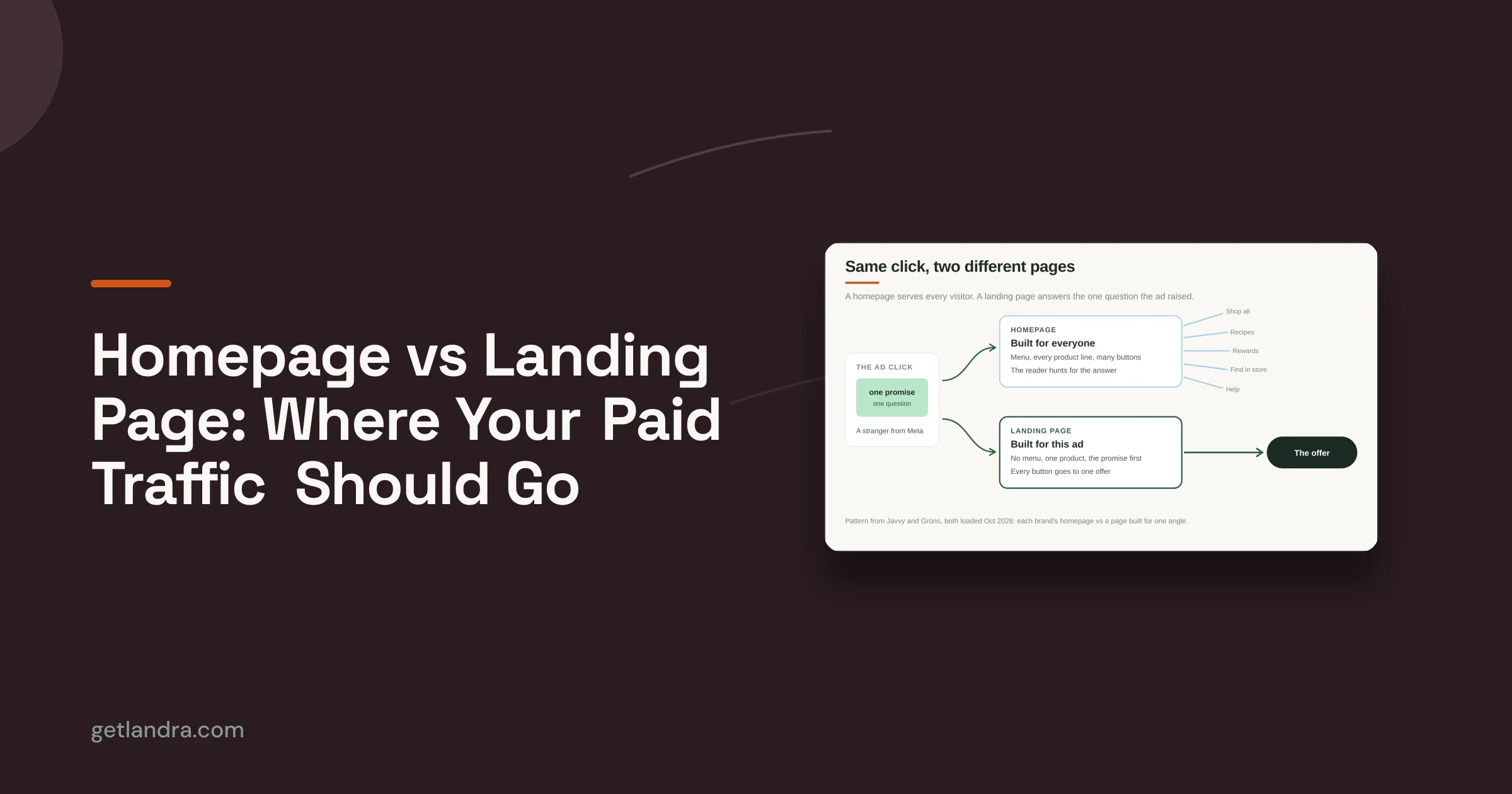
One supplement brand routed cold Meta traffic to automated advertorials instead of sending buyers straight to the product page, and the team reported a 46% CAC reduction on the site's first-party test writeup Landra examples. The operational lesson wasn't just that the page was better. It was that the message match improved enough to make paid traffic more efficient.
A beauty brand used automation to move from 2 to 20 landing page variants per month, which changed the testing posture entirely. Instead of waiting for a big creative reset, the team could test audience angles continuously and keep the winners while discarding the weak versions. That kind of volume is only useful if the review process is tight enough to keep the variants coherent.
An agency used automated production to cut landing page creation time from two weeks to under five minutes per page. That changes client service economics immediately, because the bottleneck stops being page assembly and starts being strategic judgment. Agencies that make that shift can spend more time on angle selection, offer framing, and experiment design.
The common thread across all three examples is controlled variation. None of them rely on a model magically writing perfect copy the first time. They work because the team knows what to standardize, what to personalize, and what to measure after launch.
If you're trying to decide whether this fits your store, start with one cold-traffic page and one clear KPI. If the workflow can produce an on-brand page, pass review, and generate a clean test against your current path, you've got something worth scaling.
If you want to ship governed landing-page automation without building the whole system from scratch, visit Landra and see how it generates advertorials and listicles from a product or brand URL. It's built for the exact problem teams run into here, creating pages fast while still keeping editing, publishing, and workflow control in one place.