

Most advice about landing page software for WordPress starts in the wrong place. It starts with templates, drag-and-drop controls, or whether a builder feels easy to use. Cold traffic doesn't care how pleasant your editor is.
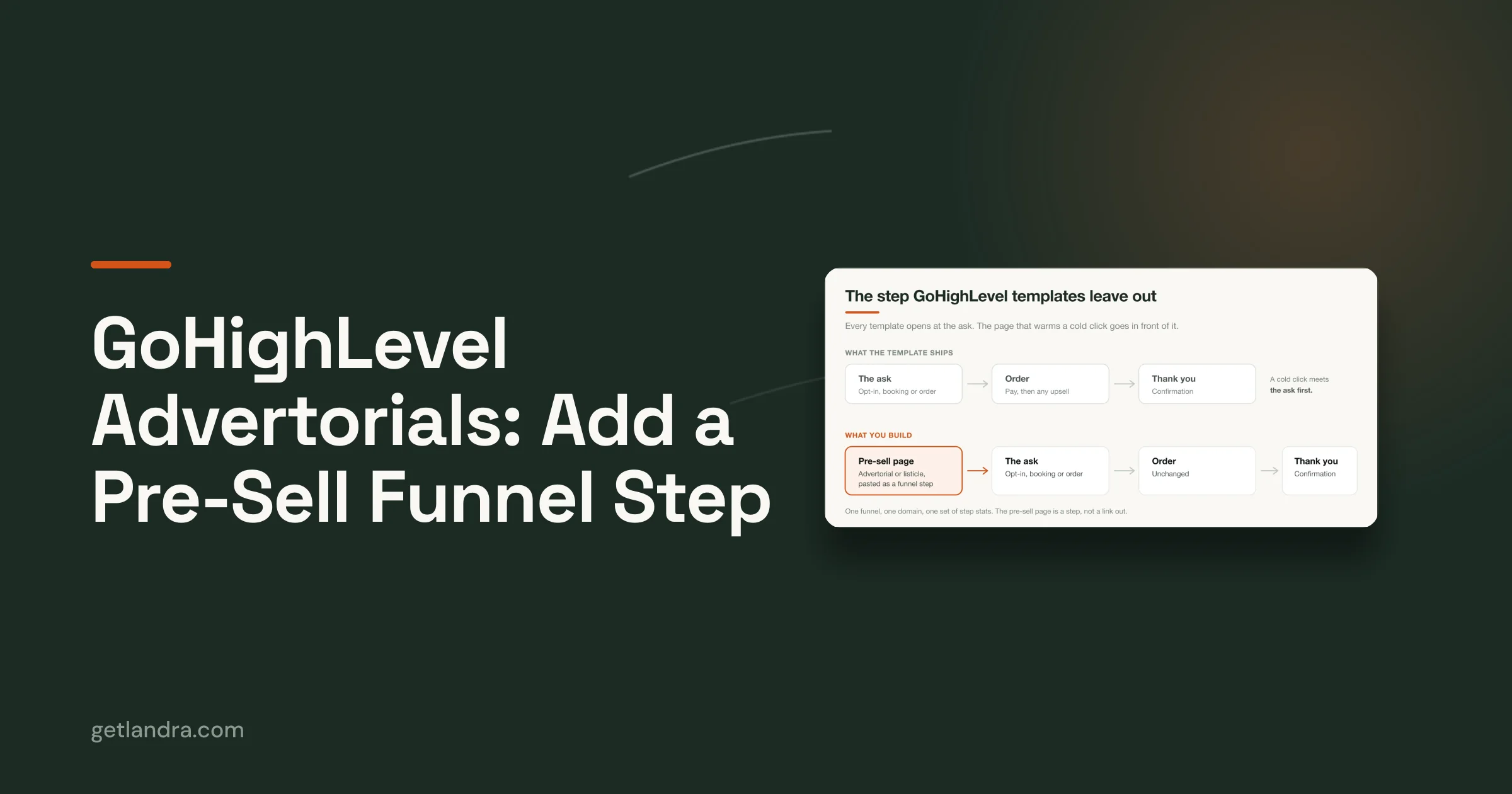
What matters is whether the page can take a skeptical visitor from ad click to belief to action without dumping them onto a page that was built to close, not to persuade. A product page is usually the final argument. Cold Meta and TikTok traffic needs the opening argument first.
That gap is why teams keep spending on traffic while blaming creative, offer, or audience quality when the core problem is page type. If you want the clearest framing of that difference, this breakdown of landing page vs website intent is useful. The short version is simple. Your main site organizes information. A campaign landing page removes choices and advances one decision.
Table of Contents
- Why Your WordPress Site Needs Dedicated Landing Pages
- Comparing the Four Methods for WordPress Landing Pages
- Plugins vs Page Builders Which Is Right for You
- The SaaS Advantage Speed and Conversion Focus
- The Modern Workflow AI Generation and HTML Export
- Your WordPress Landing Page Implementation Plan
Why Your WordPress Site Needs Dedicated Landing Pages
The most common mistake is assuming a well-designed WordPress theme is enough for campaigns. It usually isn't. A theme is built to serve many visitors with many goals. A landing page is built to move one visitor toward one action.
That difference shows up in conversion math. Growth Marketing Pro's landing page benchmarks note that the average landing page converts at 9.7%, while a more realistic benchmark for a good page is 2.6% to 6.1%, and optimized pre-sell pages for DTC brands can convert 2 to 3 times higher than standard product pages. If you're buying cold traffic, that's not a minor lift. That's the difference between a campaign with room to optimize and a campaign that never gets out of the hole.
A homepage can't do the job of a campaign page
A standard WordPress page usually carries too much baggage:
- Navigation leaks attention because visitors can click into collections, blog posts, support pages, and leave the buying path.
- Product detail pages assume intent because they focus on specs, variants, and checkout mechanics before trust is built.
- Sitewide layouts create noise because headers, footers, and side elements compete with the message that brought the click.
Practical rule: If the ad makes a promise, the landing page should continue that exact conversation without forcing the visitor to interpret your whole site first.
This is where dedicated landing pages earn their keep. They strip away navigation, match the ad angle, and stage information in the right order. For cold traffic, that often means education first, proof second, offer third.
The real issue is message match
Most WordPress sites are built like stores. Paid campaigns need pages built like sales scripts.
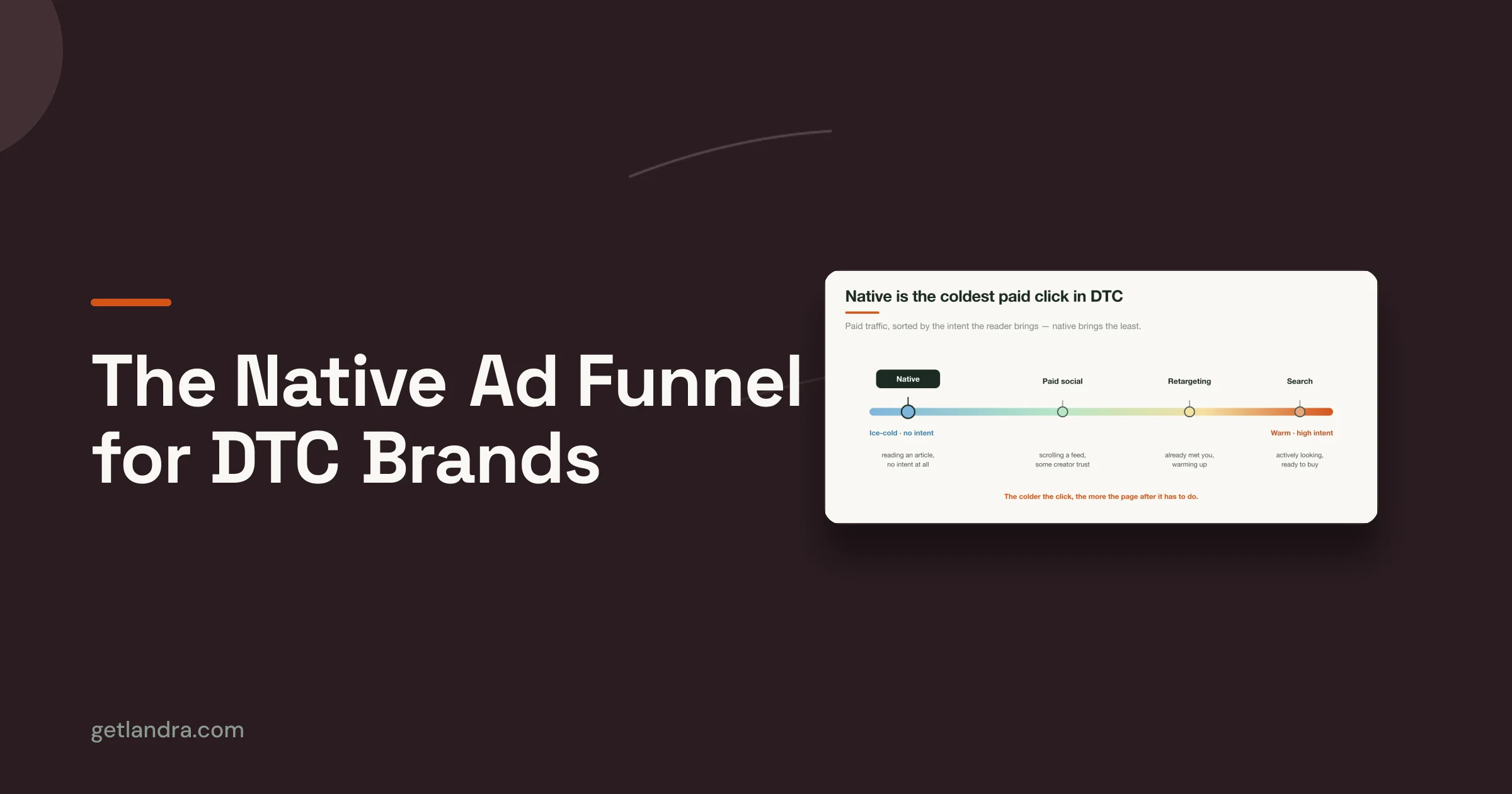
A page for warm branded traffic can get away with less explanation. A page for cold traffic can't. The visitor doesn't know your brand, doesn't know whether the claim is credible, and often doesn't yet agree that the problem matters enough to solve now. That visitor needs a different structure.
The practical options inside the WordPress ecosystem usually fall into four buckets:
- WordPress core and theme tools
- Dedicated landing page plugins
- Full page builders
- External generators or SaaS workflows that publish into WordPress
Each method can publish a page. Not each method can reliably produce the kind of pre-sell flow cold traffic needs.
Comparing the Four Methods for WordPress Landing Pages
There isn't one best landing page software for WordPress. There are four different ways to solve the same publishing problem, and they behave very differently when you're under pressure to launch, test, and revise fast.

The four approaches in plain English
WordPress core and theme is the bare-bones option. You're using blocks, your theme, and custom styling. It works for simple campaigns, but it's rarely ideal for aggressive testing because every change tends to feel manual.
Dedicated plugins are add-ons built for landing page creation inside WordPress. SeedProd is the clearest example. According to the platform overview in this SeedProd reference, it's trusted by over one million websites. That tells you there is real demand for focused tools that skip the bulk of full site builders.
Page builders like Breakdance, Elementor, or Beaver Builder turn WordPress into a visual design system. You get far more control, but you also inherit more complexity. Some setups stay lean. Others become script-heavy fast.
External AI or HTML generation workflows create the page outside WordPress, then let you publish the finished output into WordPress. That can sound awkward until you realize how much faster it can be for campaign production.
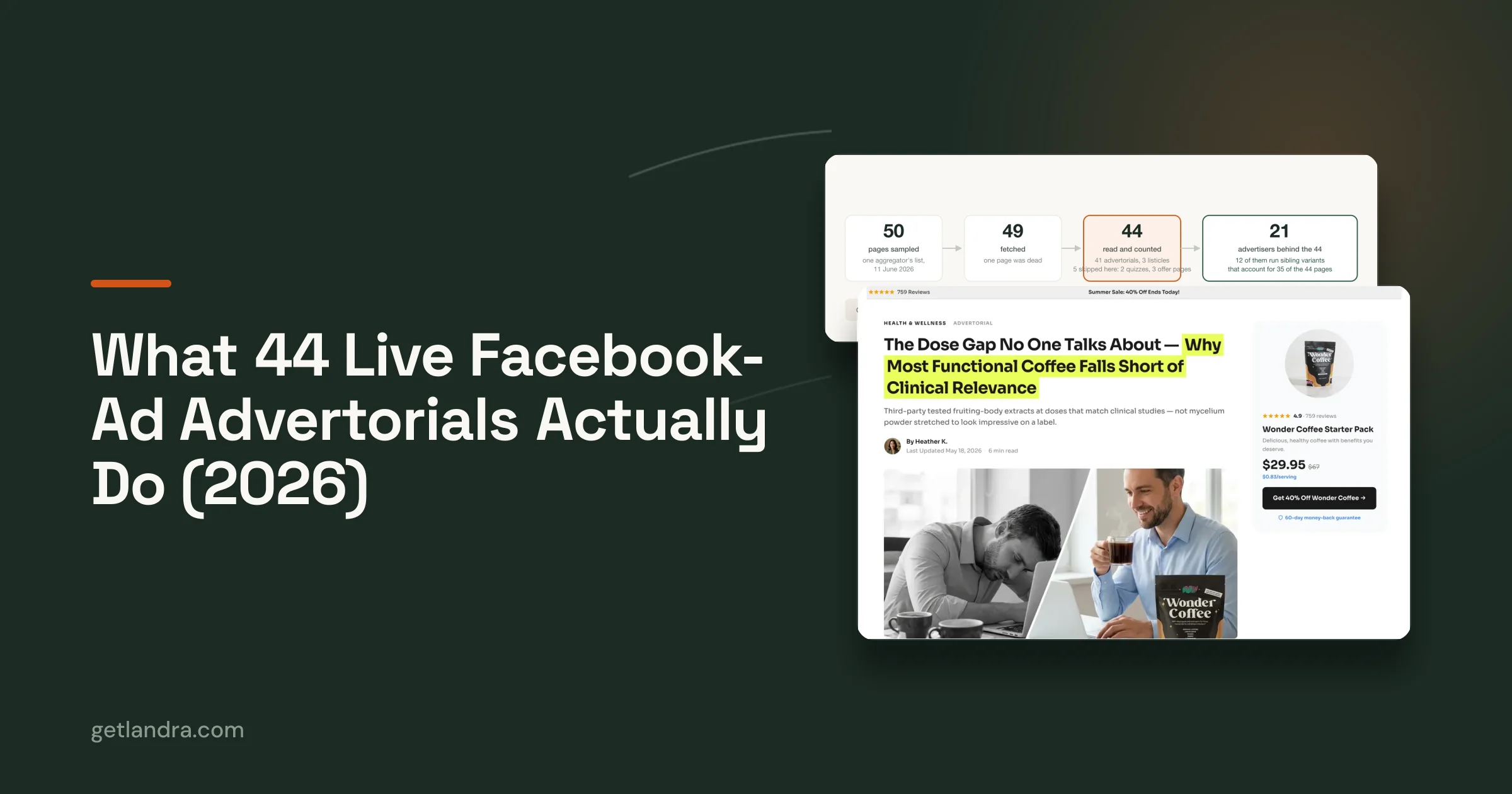
One warning matters more than feature lists. The WPMU DEV discussion of effective WordPress landing pages points to a cold traffic compliance gap. Standard WordPress plugins often fail to produce the advertorial or listicle formats needed to warm up cold Meta and TikTok traffic, and that format is cited there as proven to reduce CAC by 46%. That's the part most generic plugin roundups miss.
Four WordPress Landing Page Methods Compared
| Method | Best For | Speed | Performance | Cost |
|---|---|---|---|---|
| WordPress Core and Theme | Basic campaigns, simple lead capture, teams already comfortable with Gutenberg | Slowest to iterate | Can be clean, but depends on theme constraints | Lowest software cost, highest manual effort |
| Dedicated Plugins | Marketers who want focused landing page features inside WordPress | Fast for single pages | Usually lighter than full builders if kept focused | Moderate |
| Page Builders | Teams that need design freedom and reusable systems | Fast once configured well | Varies widely by builder and add-ons | Moderate to high depending on stack |
| External AI or HTML Generators | Paid traffic teams that need pre-sell formats and rapid testing | Fastest for campaign production | Often strong if output is lean | Varies, but can reduce production overhead |
A useful analogy is this. Core WordPress is a hand tool. A plugin is a specialized attachment. A page builder is a full workshop. A SaaS or AI generator is prefabrication.
Each can work. The right choice depends on whether your real bottleneck is design freedom, speed to publish, testing cadence, or the ability to create cold-traffic narrative pages without extra production overhead.
Most teams don't fail because WordPress can't publish landing pages. They fail because the method they chose doesn't match the campaign they run.
Plugins vs Page Builders Which Is Right for You
This is the decision most WordPress users face. Do you install a focused landing page plugin, or do you commit to a broader builder and use it for campaigns?
The right answer depends on whether you need a tool for pages or a system for page production.

When a dedicated plugin is the better call
A dedicated plugin works best when the page itself is simple and the campaign is narrow. You want a focused editor, a small set of conversion elements, and a faster path from draft to publish.
That setup makes sense for:
- Lead capture pages where the layout is straightforward and the main job is collecting form fills.
- Offer pages that need countdown timers, pricing blocks, testimonials, and basic integrations.
- Small teams that don't want to maintain a large design system just to launch campaigns.
The upside is clarity. Dedicated landing page plugins usually remove unnecessary options and keep marketers pointed at the few elements that matter.
The downside is ceiling. Once you need unusual layouts, more custom interactions, or many variations across campaigns, focused plugins can start to feel rigid.
When a page builder earns its complexity
A full page builder is the better fit when your landing pages don't exist in isolation. Maybe you need reusable sections, fine-grained layout control, popup logic, embedded forms, and visual consistency across many campaigns. In that case, the builder becomes infrastructure.
The problem is that not all builders are equal. The Oxygen Builder comparison page notes that modern builders like Breakdance can deliver 46 to 52% faster load times than more traditional plugin-stacked alternatives by using a lightweight codebase and integrating key tools natively. That's the important distinction. Builder bloat isn't inevitable. It's usually the result of stacking too many separate plugins on top of each other.
If your builder needs three more plugins to do forms, popups, and basic marketing tasks, you're not buying flexibility. You're buying future cleanup.
A practical consideration is:
- Choose a plugin if your main need is speed without a lot of design complexity.
- Choose a page builder if campaigns are frequent, layouts vary, and you want one editing model your team can reuse.
There's also a middle ground. Some teams use a builder like Beaver Builder for layout and pair it with a form tool for lead capture and CRM sync. That can work well when managed carefully. It starts to break when every campaign needs custom workarounds.
The mistake is choosing based on editor preference alone. For cold traffic, your page architecture matters more than whether the sidebar feels nice.
The SaaS Advantage Speed and Conversion Focus
WordPress is excellent at content management. It isn't automatically excellent at campaign velocity.
That's why many paid acquisition teams keep WordPress as the main site but move landing page production into a SaaS platform. They aren't abandoning WordPress. They're separating brand infrastructure from test infrastructure.
Why paid traffic teams leave WordPress for the page layer
The hidden cost in native WordPress workflows is iteration. One page isn't the problem. Ten variants are the problem.
The Unbounce WordPress integration page highlights the multi-variant iteration cost directly. Manually creating ad-angle variants in WordPress builders can take hours, while SaaS tools with built-in A/B testing and AI generation can produce them in minutes. That difference changes how a team works. Instead of debating one page for too long, they can launch multiple hypotheses and let results sort the argument.
That matters most when you're testing:
- Different hooks for the same product
- Different audience beliefs across ad sets
- Different lead-ins before the product pitch
- Different form placements or CTA sequencing
Native WordPress setups can do this, but they usually require more manual duplication, more QA, and more analytics stitching.
What SaaS tools do better than native WordPress setups
SaaS landing page tools tend to win on operational discipline.
They usually give you:
- Built-in testing workflows that don't depend on extra plugins or custom reporting.
- Dedicated hosting for pages so your campaign performance isn't tied to the quirks of your main WordPress stack.
- A conversion-first interface where forms, variants, and tracking are first-class features, not bolt-ons.
- Faster launch cycles because the workflow assumes you're going to test often.
This isn't a universal recommendation. If your team values ownership, wants everything inside one CMS, or runs a lower testing cadence, native WordPress tools may still be the better fit.
But when paid traffic is expensive and speed matters more than purity, SaaS often wins. Not because it's more elegant. Because it reduces friction where money is lost.
A lot of teams say they care about testing. Their workflow says they care about protecting the comfort of their current CMS.
The Modern Workflow AI Generation and HTML Export
A newer approach has started to solve a problem older WordPress methods never handled well. It combines AI generation, visual editing, and HTML export so teams can build outside WordPress and still publish inside it.
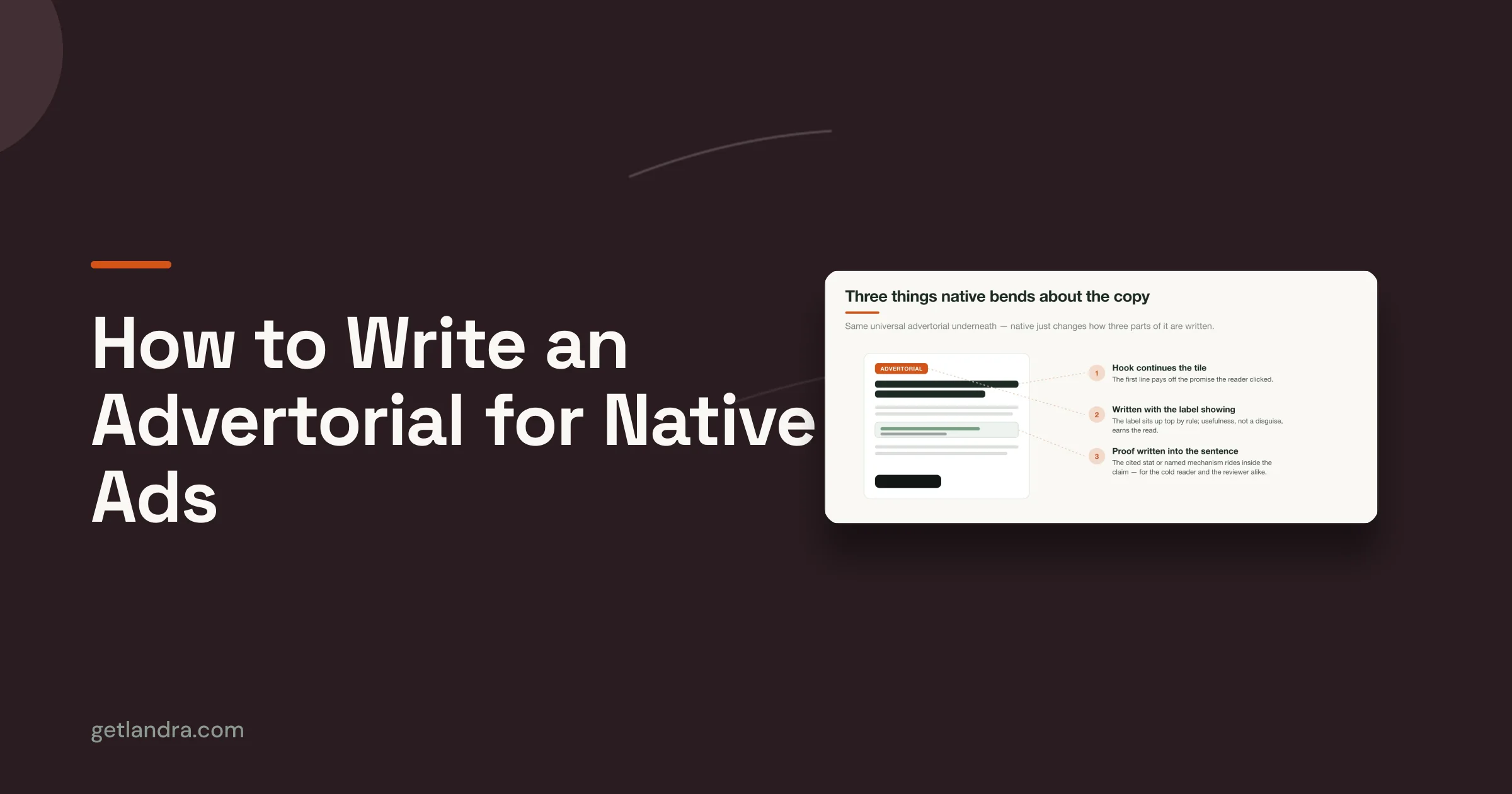
That matters because many cold-traffic pages aren't standard landing pages at all. They're advertorials, listicles, and narrative pre-sell flows that need a different structure from the usual hero section plus benefits grid.

Why this hybrid model fits modern acquisition teams
The old argument against external generation was control. Teams worried they'd lose ownership if the page didn't live natively inside WordPress.
That concern has weakened. The practical workflow now is simple. Generate the page, edit the copy and structure, export the HTML, and publish it into WordPress on a clean page. You keep your site environment while avoiding the slowest part of WordPress page creation, which is building every variant by hand.
There is also precedent for covering a lot of landing page functionality inside WordPress with plugin combinations. Chris Lema's review of WordPress plugins as landing page software shows how tools like Beaver Builder and Ninja Forms can replicate standalone SaaS capabilities through drag-and-drop design, CRM integrations, and domain mapping. That's useful context because it shows the issue isn't whether WordPress can support advanced page workflows. It can. The issue is how much manual assembly you're willing to tolerate.
If you're exploring how AI-driven page creation is evolving, this library of AI page generation workflows gives a sense of where the category is moving.
How the publish flow works inside WordPress
The best version of this workflow stays operationally simple:
- Generate the draft from the product page or brand site.
- Edit the narrative so the page matches the campaign angle and compliance needs.
- Export the output as HTML.
- Publish in WordPress on a stripped-down page with minimal interference from the theme.
- Duplicate and adjust when you need a second or third angle.
That last point is why this model matters. It doesn't just help you publish one page. It helps you produce families of pages.
A short walkthrough makes the process more concrete:
This workflow isn't right for every company. If your team mainly needs standard lead-gen pages, it can be overkill. If you're running cold social traffic and need editorial-style pre-sell pages often, it's one of the few methods that matches the job.
Your WordPress Landing Page Implementation Plan
The software decision matters less than is commonly believed. The implementation discipline matters more. Good tools don't rescue weak page logic, vague offers, or messy tracking.
Start with a simple rule. Every landing page should have one traffic source, one audience state, one promise, and one primary action. If any of those are blurred, fix that before you touch the design.
A practical rollout checklist

Use this sequence before launch:
- Define the traffic temperature. Cold social traffic needs more proof, more framing, and a clearer narrative than branded search or email traffic.
- Choose the page type. If the click needs education, build a pre-sell page. If the click already has intent, a direct response page may be enough.
- Pick the build method that matches your team. Plugins work for simple pages. Builders fit ongoing design needs. SaaS fits rapid testing. AI plus export fits narrative-heavy production.
- Strip out distractions. Remove unnecessary navigation, sidebars, and mixed CTAs.
- Wire up forms, pixels, and reporting before launch. Broken attribution ruins learning.
- Review mobile behavior carefully. Most campaign traffic will judge the page on a phone, not a desktop mockup.
A useful companion to that process is this set of landing page design best practices, especially if your current pages look polished but still don't convert.
A simple decision tree
If you want the blunt version, use this:
- Choose a dedicated plugin when you need a focused page inside WordPress and the structure is simple.
- Choose a page builder when you need reusable layout control and your team can manage the added complexity.
- Choose a SaaS platform when test velocity, built-in experimentation, and campaign isolation matter most.
- Choose AI generation with HTML export when cold traffic requires advertorial or listicle-style pre-sell pages and you need to produce variants fast.
The best landing page software for WordPress isn't the one with the longest feature list. It's the one that lets your team publish the right page type quickly, measure it cleanly, and improve it without friction.
Most teams don't need more design options. They need a faster path to a page that matches the click.
If you're running paid social and need pre-sell pages that warm up cold traffic before the product pitch, Landra is built for that job. It generates advertorials and listicles from your product or brand URL, gives you an inline editor for changes, and lets you publish fast with HTML export when WordPress is your home base.