
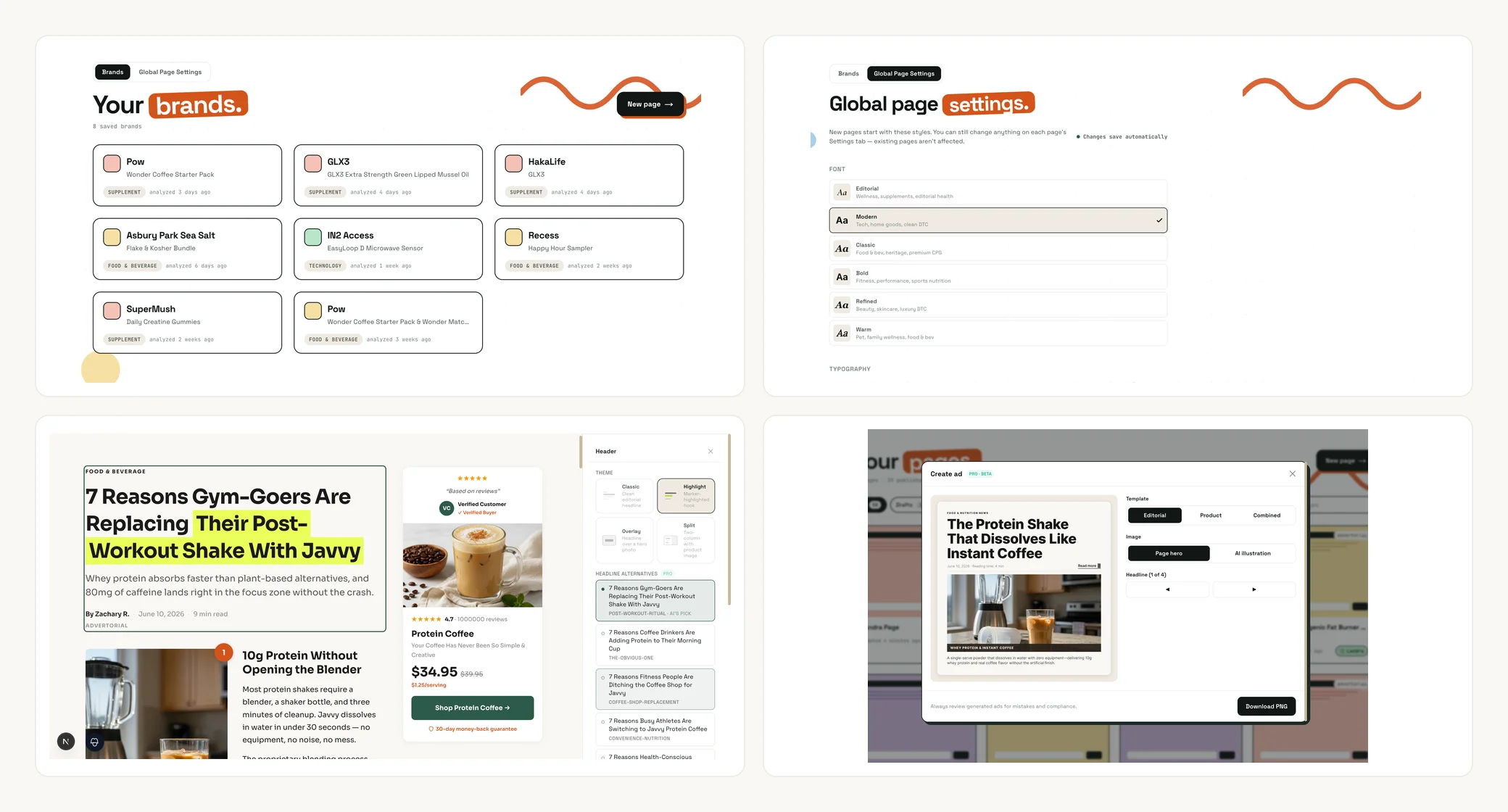
We ship to Landra constantly, but most of it goes out quietly: a faster generation here, a sharper prompt there. This is the first of our release notes, a regular roundup, every couple of weeks, of the changes worth knowing about. This cycle was a big one. Five features landed that change how you set up a brand, style your pages, open them, and turn them into ads.
Here's everything new.
Saved Brand Context: analyze a brand once, reuse it anytime
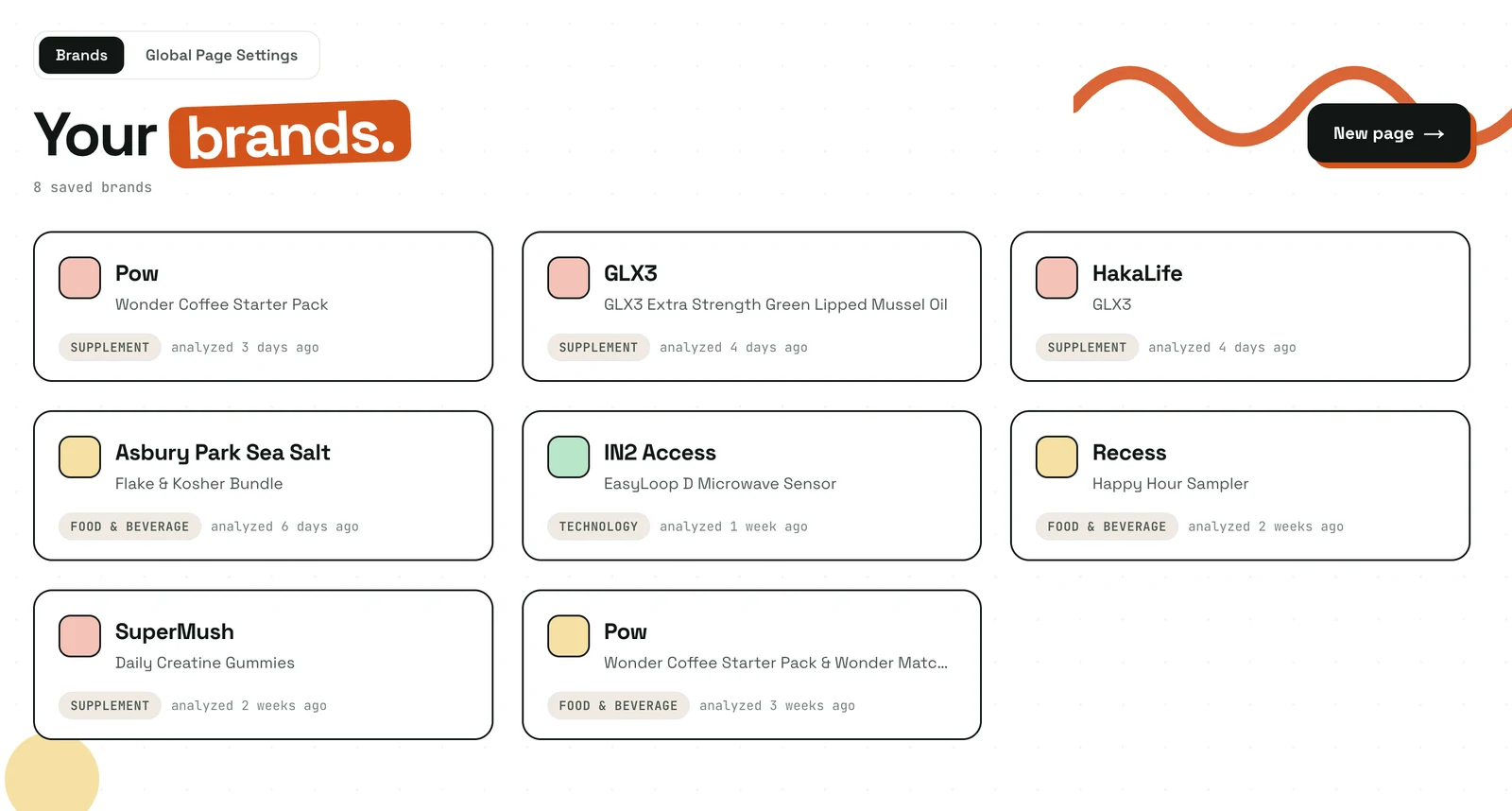
Saved Brand Context turns the brand profile Landra builds from your URL into something you keep, edit, and reuse. The first time you analyze a brand, we save everything we learned — positioning, ingredients or features, real testimonials, the voice of your customer — to your account. From then on you build new pages from that saved profile instead of re-analyzing the URL every time.
Two things make this more than a cache. First, it's fully editable. Every field is inline-editable in a console-style editor at /brands: fix a misread ingredient, sharpen the positioning line, add a testimonial we missed. Your edits are remembered: re-analyzing the URL later refreshes the untouched fields without overwriting anything you changed by hand. Second, reuse is instant. Generating a new page from a saved brand skips the analysis step entirely, so you go from "build me another page" to a finished draft faster.
If you run a few products under one brand, or you iterate on the same product across many pages, this is the feature that stops you re-entering the same brand facts over and over. It's free today for every signed-in user.
Global Page Settings: set your house style once
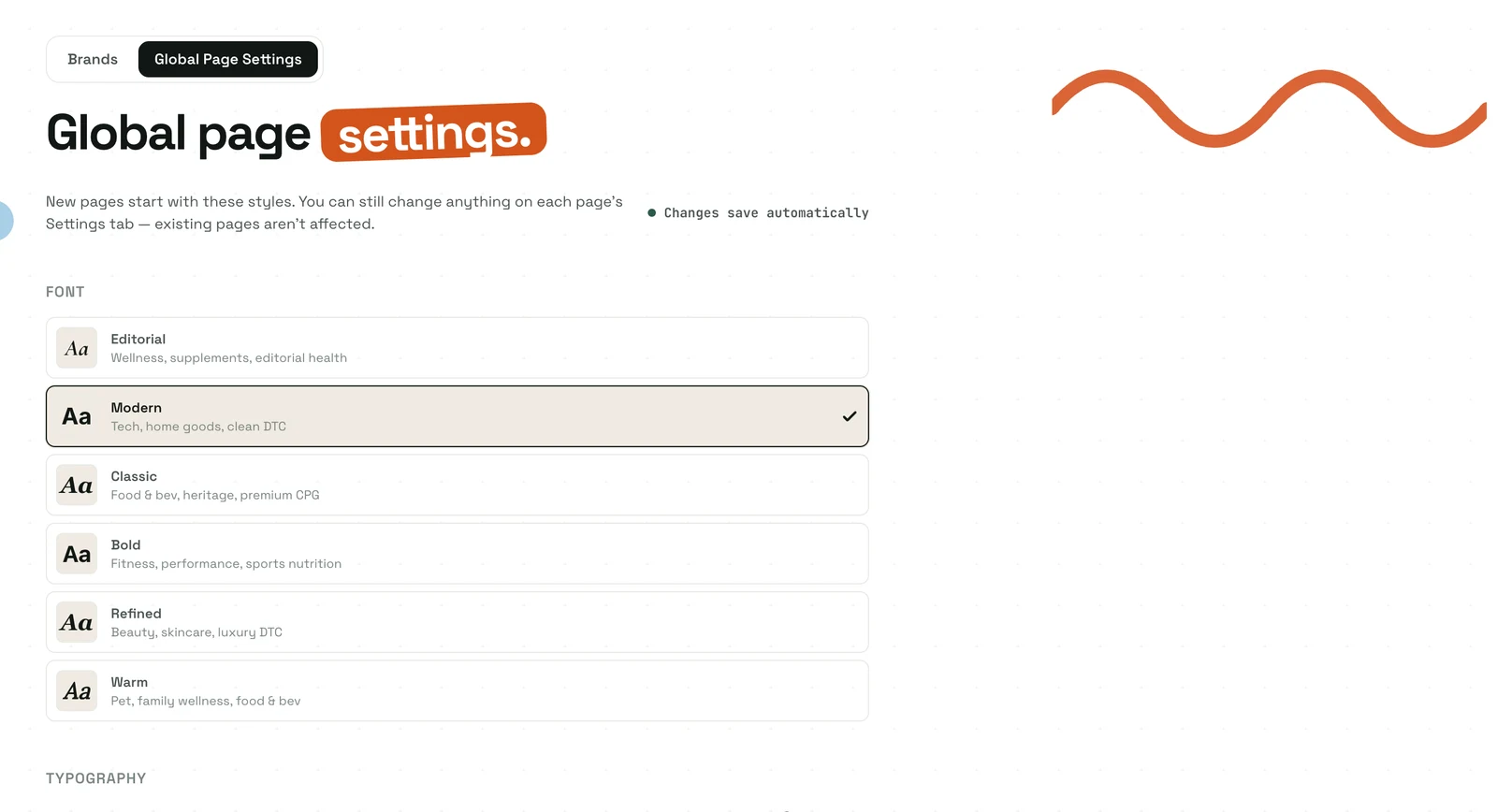
Global Page Settings let you set your preferred typography, spacing, corner radius, font pairing, default layout per page type, and an optional color palette once, so every new page starts on-brand instead of on the system defaults. You'll find it as the "Global Page Settings" tab next to your saved brands.
The important design choice here is that it seeds new pages at creation only. When you start a fresh build, your defaults flow into the page before it generates, so the very first draft already looks like your brand. Existing pages are never restyled; nothing you've already published shifts underneath you. The per-page Settings tab still overrides everything, so a one-off page can always break from the house style.
Colors are opt-in on purpose. Leave them off and Landra keeps extracting a palette from each brand's site per page (better if you build for multiple brands); turn them on and your chosen palette seeds every page. Either way, you stop re-doing the same five style tweaks on every single build.
Header themes: four ways to open a page
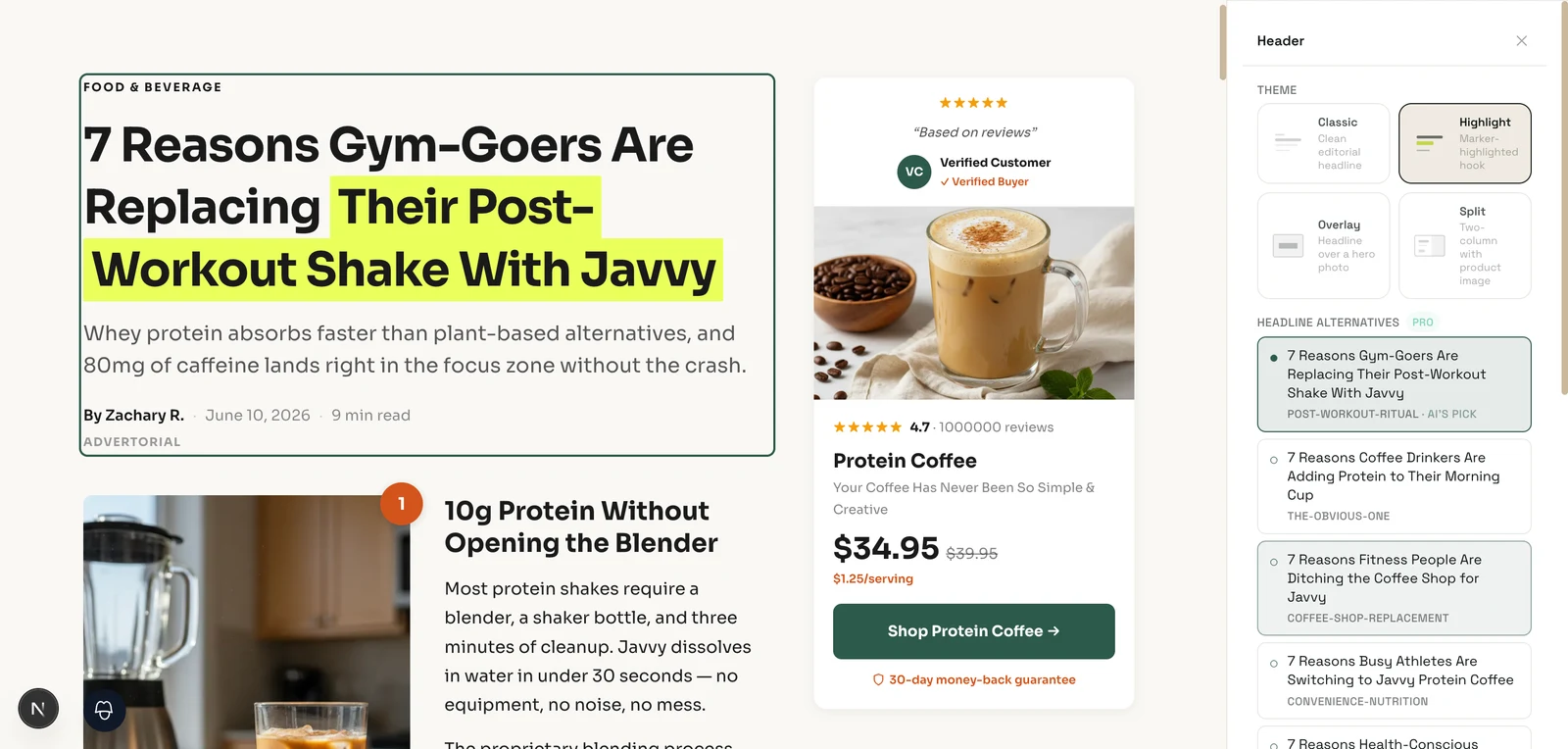
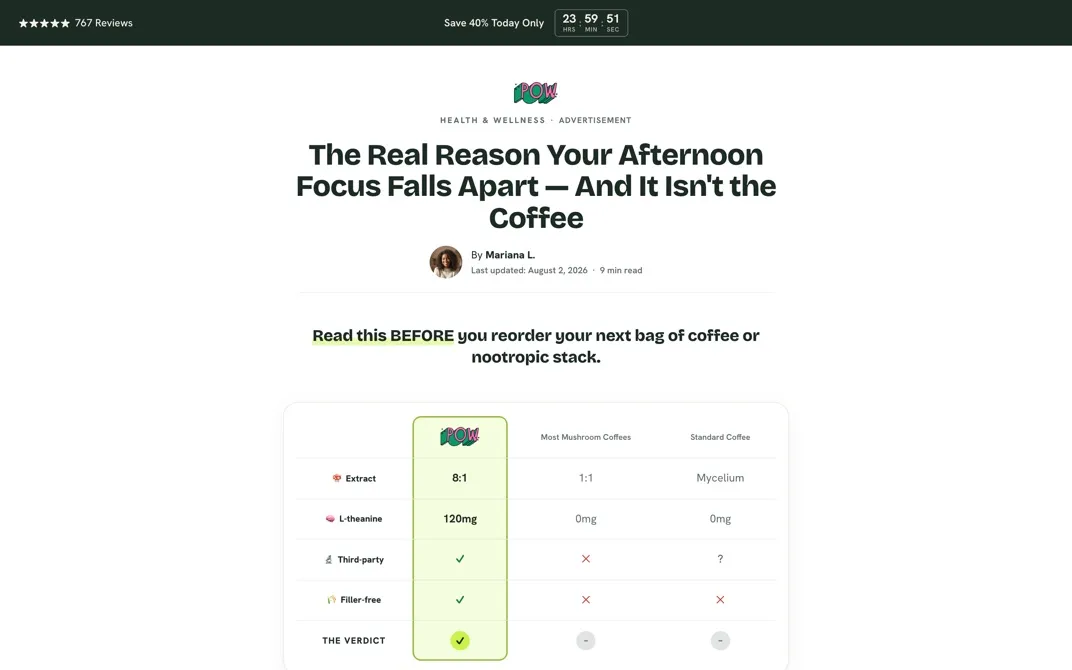
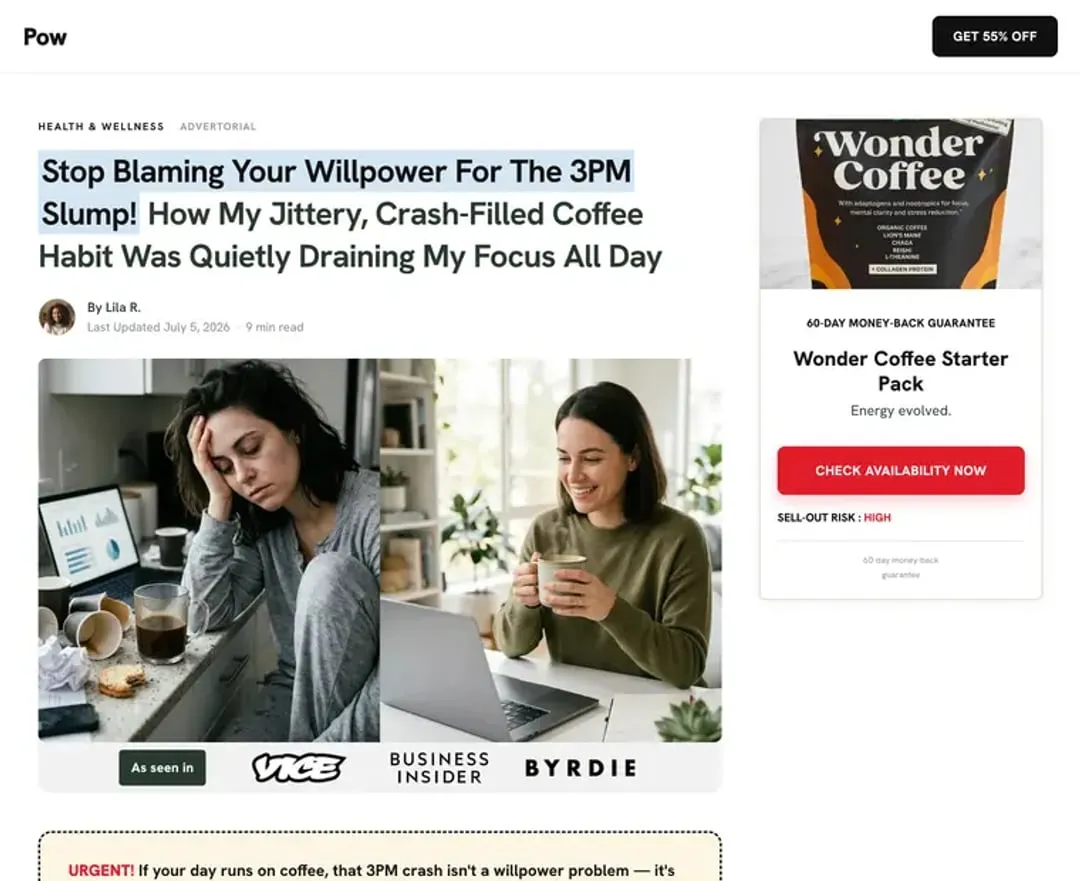
You now get four selectable header treatments for the top of any advertorial or listicle page — switchable from the Settings tab without rewriting a word. The top of the page is its highest-stakes real estate: it decides whether anyone reads the rest. The four:
- Classic: the clean, editorial default.
- Highlight: a marker highlight on the headline's hook phrase, plus a real byline (author, date, reading time). No fabricated "12,000 people viewing" counters, just honest meta.
- Overlay: a boxed headline set over a full-bleed hero photo with a scrim. Bold, ad-like.
- Split: a tinted panel beside a product shot with a "Shop Now" call-to-action.
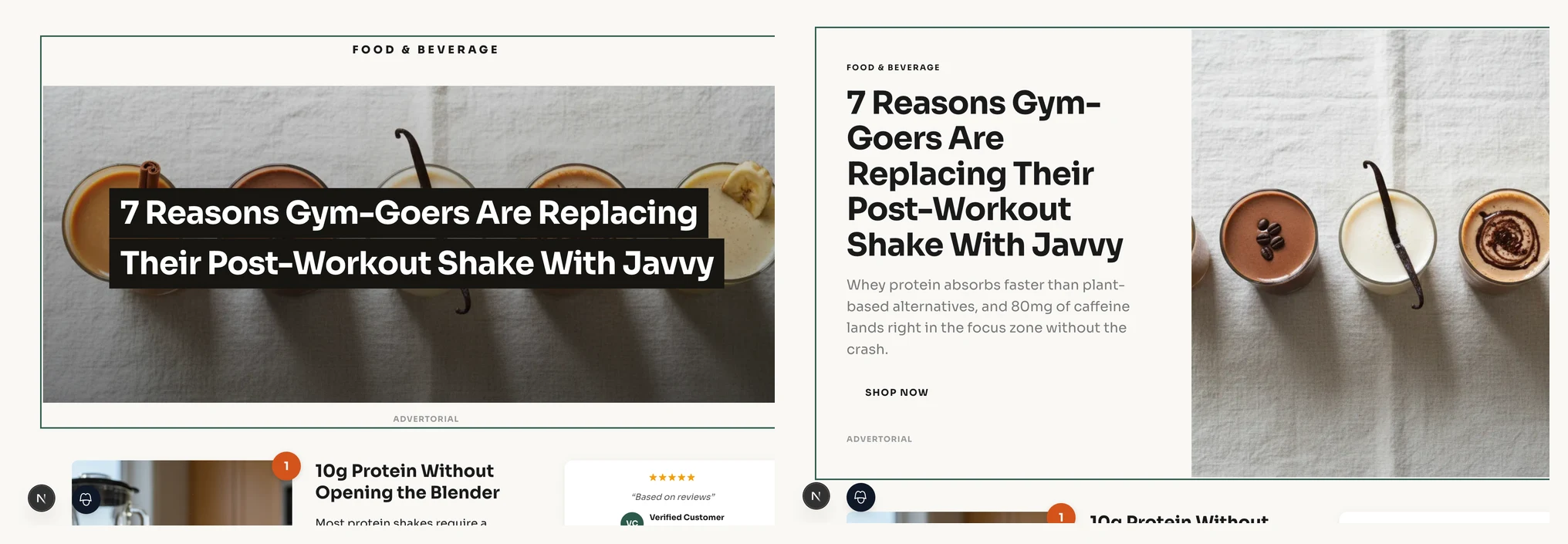
Switching themes only re-styles the header you already have; it never rewrites your headline. The picker is in the per-page Settings tab, and the change renders live in the editor exactly as it will on the published page. Overlay and Split go edge-to-edge and will adopt your page's hero image automatically (and hide the original so the same photo isn't shown twice), so a single click gives you a genuinely different-looking opener.
One-click news and magazine-style ads
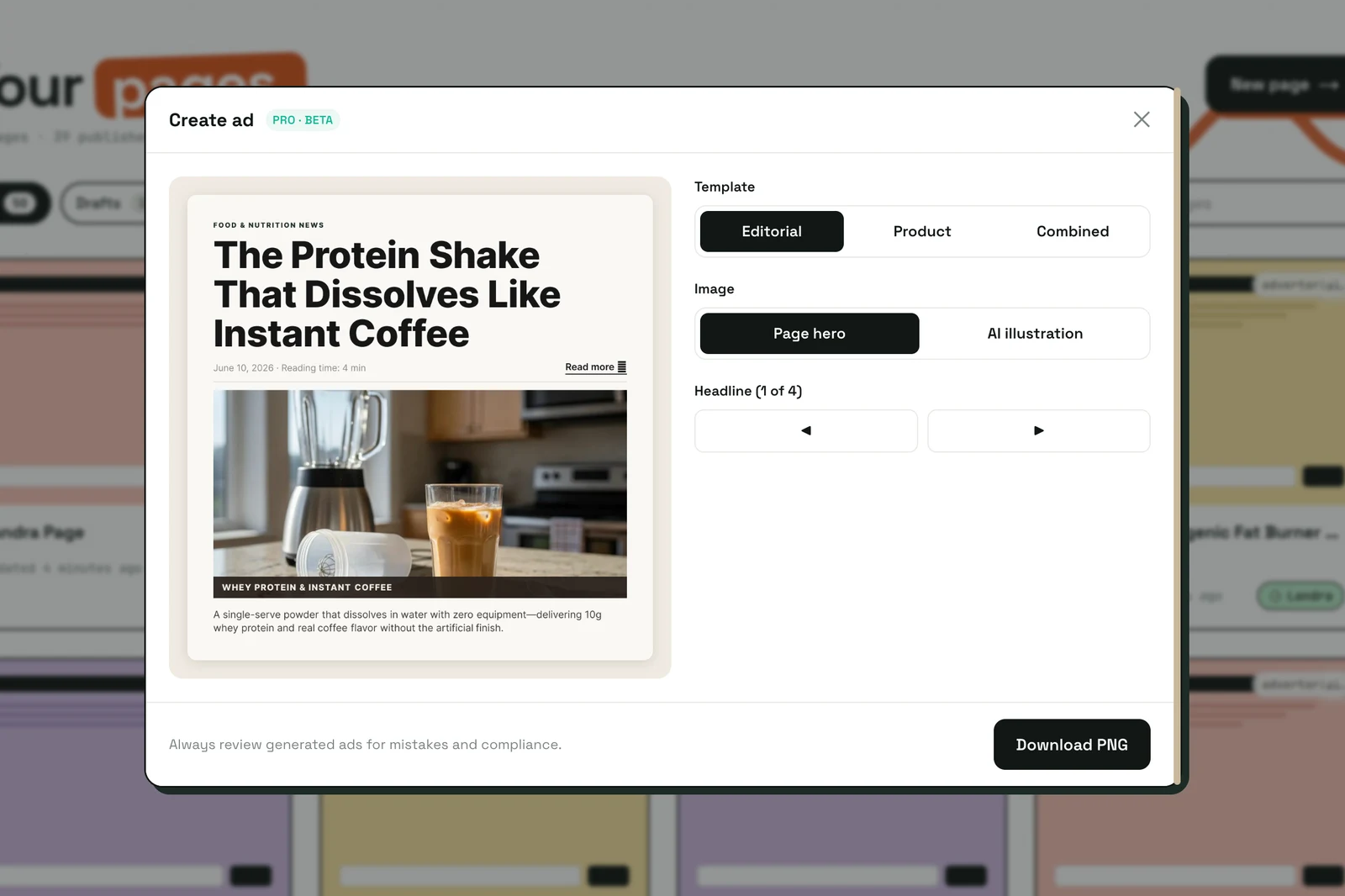
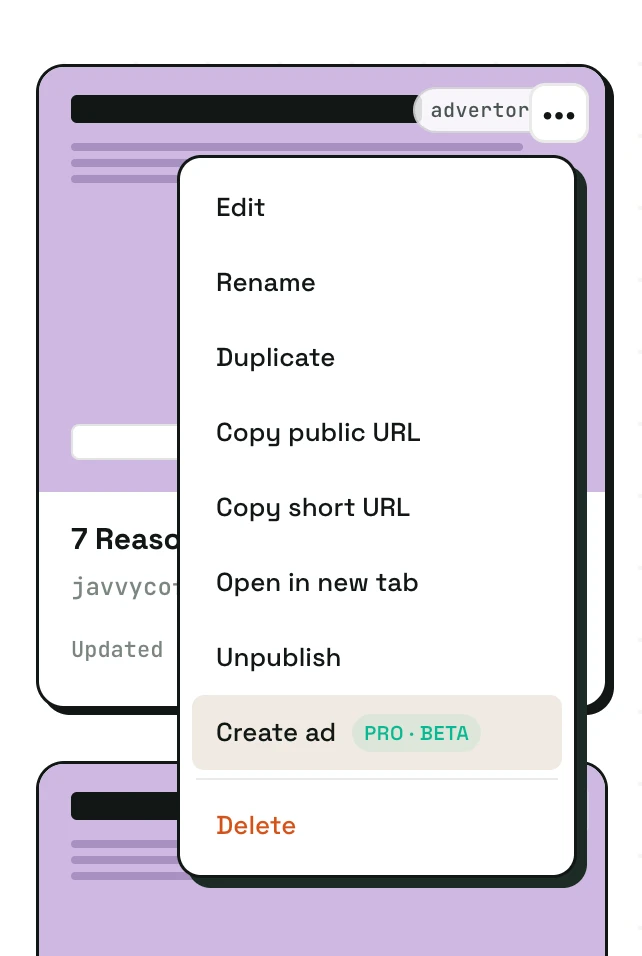
Once a page is built, "Create ad" turns it into a downloadable news or magazine-style ad creative: the editorial-looking static you'd run on Meta or as a native placement to drive traffic back to the page. (In August this was replaced by the Ad creator in the sidebar.) You get a live preview plus options: an editorial or product template, your page hero or an on-demand AI illustration, four headline alternates to cycle through, square or portrait sizing, and an optional social-proof line.
The part we care most about is truthfulness. The social-proof line can only use numbers that actually exist in your brand data: your real aggregate rating, review count, and verified stats. A verification step drops the line entirely unless every digit traces back to those sources, so the ad can't invent a rating or fake an engagement count. It's the same honest-claims stance we hold the pages to, enforced in code rather than left to a prompt.
It's in beta, tagged Pro · Beta in the app. Every option change after the first render re-renders in about 300ms (no new AI call), so it's quick to dial in a creative you actually want to run.
Shareable preview links
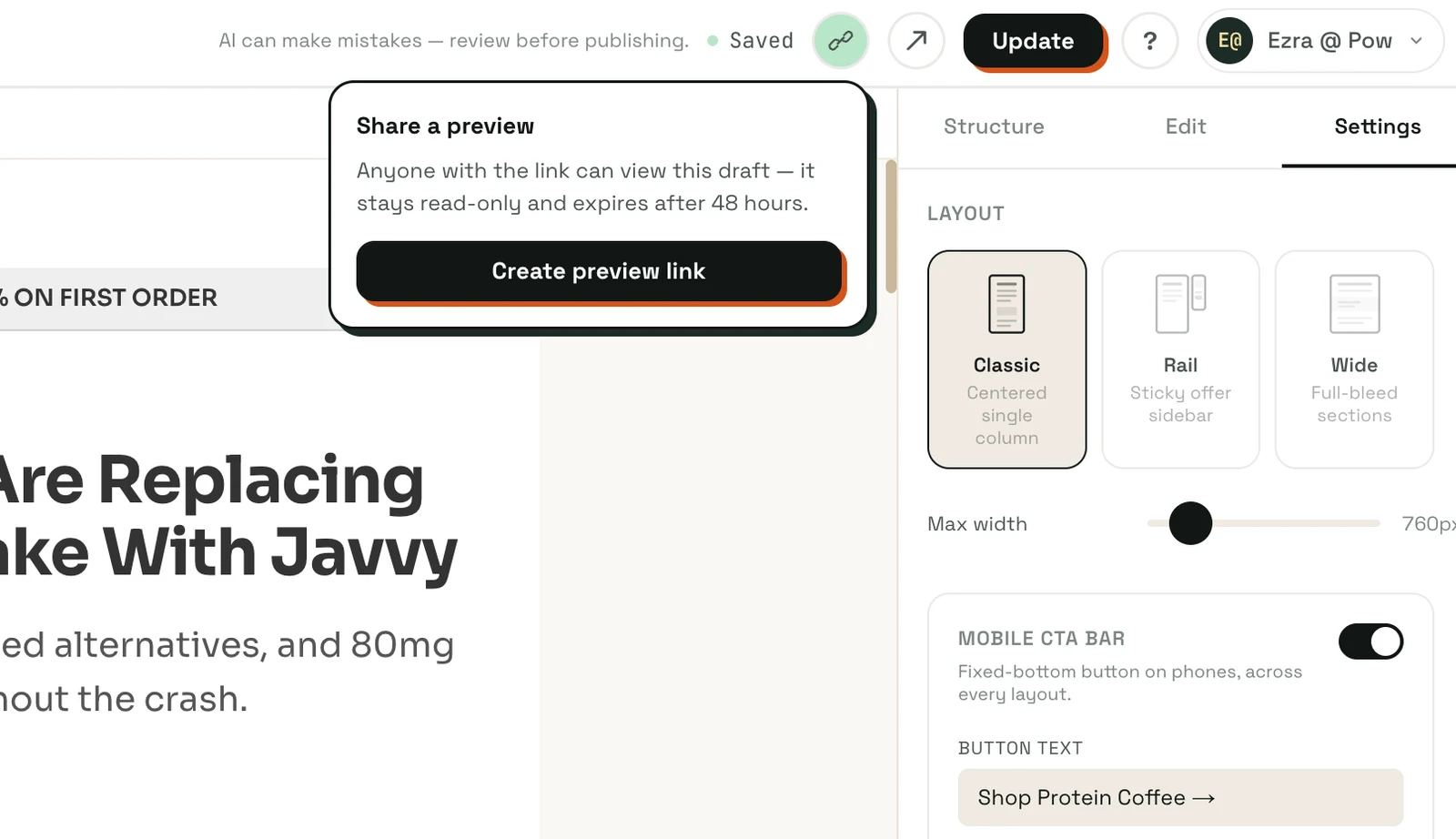
Shareable preview links let you send a teammate or client a live, read-only view of a page before it's published. From the editor topbar on any saved page, generate an unguessable /preview/ link and share it. Whoever opens it sees the current draft, rendered exactly as it will publish, and it stays current, so if you keep editing, the link keeps showing the latest version.
The link is read-only and never makes the page live or indexable; it auto-expires after 48 hours, and you can revoke it at any time. It's the fast way to get a "yep, ship it" from someone before you hit publish, and it's free, because getting sign-off shouldn't sit behind a plan.
Also shipped
A few smaller improvements worth a line:
- Compliance disclaimer block. Supplement and functional-ingredient pages now auto-carry the FDA structure/function disclaimer, and you can insert an editable disclaimer block on any page from the Add Content menu. If you run health-adjacent products, the FTC and disclosure rules matter, and this makes the required fine print one click away.
- Per-block font sizing. Individual blocks can now carry their own font-size override, so you can dial down a disclaimer or bump a key line without touching the rest of the page.
What's next
Release notes are new, so tell us what you want more of — deeper dives on a feature, the reasoning behind a change, or just a tighter list. The next post lands in a couple of weeks.
If you haven't built a page yet, the fastest way to see all of this in context is to paste your brand URL and watch Landra build one — copy, structure, layout, and images, tuned to the audience you pick.
Frequently asked questions
How often does Landra ship product updates?
We aim to publish release notes roughly every couple of weeks, grouping the features and fixes shipped since the last post. Smaller improvements ship continuously between notes; these posts cover the changes worth knowing about.
Do I have to rebuild my existing pages to get the new features?
No. Header themes are available on any advertorial or listicle page from the Settings tab, and shareable preview links work on any saved page. Global Page Settings only seed new pages at creation — existing pages are never restyled, so nothing you have already built changes underneath you.
Is Saved Brand Context free?
Yes. Reading, editing, and reusing your saved brand profiles is free today for every signed-in Landra user. You analyze a brand once and reuse that profile to build as many pages as you want.
How do the one-click ads avoid fake claims?
The ad generator can only use numbers that appear in your real brand data — your aggregate rating, review count, and verified stats. A verification step drops any social-proof line whose digits do not trace back to those sources, so the ad cannot invent a rating or a review count.
Where do I find these features in the app?
Saved Brand Context lives at /brands; Global Page Settings is the second tab there. Header themes are in the per-page Settings tab in the editor. Ads are now made in the Ad creator in the sidebar, which replaced the "Create ad" menu item in August. Shareable preview links are in the editor topbar on any saved page.