
You're looking at a paid-social dashboard. The ad has a strong hook, a healthy click-through rate, and traffic is arriving at a cost you can live with. But the page report shows visitors leaving quickly, few people reaching the proof, and checkout starts barely moving. The ad earned the click. The page hasn't earned the next action.
That gap is where user behavior analysis earns its keep. It helps a DTC team read what visitors do after tapping an ad, distinguish weak message fit from page friction, and turn those observations into a testable page change. The point isn't to collect more charts. It's to find the reason a paid-social visitor didn't move forward, then check whether a different page gives them a clearer path to purchase.
Table of Contents
- What a Dead Click on a Presell Page Actually Tells You
- Defining User Behavior Analysis for DTC Pages
- Core Metrics and What Each One Actually Reveals
- Quantitative and Qualitative Methods Side by Side
- Building the Behavior Analysis Stack for DTC Brands
- Reading Behavior to Improve a Presell Page
- Two DTC Examples and How Landra Closes the Loop
What a Dead Click on a Presell Page Actually Tells You
A click is a handoff, not a conversion signal. Someone tapped an ad, arrived on your presell page, and then left without scrolling far enough to see the product argument. That behavior could mean the page loaded too slowly, the opening didn't match the ad, or the visitor was curious but never had much purchase intent. A bounce report alone can't tell you which explanation is right.
The same caution applies when a visitor scrolls partway down and stops. If the scroll curve falls off before the product proof, your first question shouldn't be, “How do we make more people scroll?” Ask whether the proof belongs there, whether the opening has established enough context, and whether the copy speaks to the awareness level of the traffic. A page can have plenty of scroll activity and still fail to move a reader toward a product-detail click or checkout.
Read the sequence, not the symptom. A visitor who arrives, reads the opening, and leaves is behaving differently from one who tries to tap an unresponsive button or begins checkout and exits at a form field.
That sequence is the true subject of behavior analysis. Ad-side reporting tells you whether the creative attracted attention. Page and funnel data show what happened after the click: whether the message held, whether visitors reached key content, and where commercial intent appeared or disappeared. Teams that optimize only for ad metrics can keep buying clicks that the page isn't equipped to convert.
Use heatmaps to add context to those events, not to replace them. A practical set of heat map CRO tips can help you inspect click concentration and scroll behavior, but the page still needs a clear measurement plan. The useful question is not just whether visitors clicked or scrolled. It's what the action suggests about their understanding, confidence, and next step.
Defining User Behavior Analysis for DTC Pages
User behavior analysis is the systematic collection and interpretation of what visitors do on a digital experience, connected to the page, traffic source, device, and journey stage that give those actions meaning. On a DTC presell page, that can include ad-to-page arrival, clicks on product details, scroll depth, interaction with proof, CTA taps, form errors, checkout starts, and returns to the page. It can also include what visitors say in a poll or survey when observed behavior leaves more than one plausible explanation.
The method combines two kinds of evidence:
- Quantitative traces show where behavior changes across a funnel or segment. They answer questions like which traffic source reaches the proof section, which page variant generates more product-detail clicks, or where checkout exits cluster.
- Qualitative feedback gives context to the traces. A replay may show that visitors repeatedly tap a text element that looks interactive, while a short survey can reveal that readers don't understand the offer.
Neither category stands alone. Analytics reporting often tells you how many sessions started, how many bounced, and which pages saw activity. Market research can tell you what people say they prefer. User behavior analysis ties actions and stated intent to a specific page experience, so a team can investigate the difference between what readers say and what they do. A practical guide to customer behavior can help broaden the research lens beyond click events and page metrics.
Segment before interpreting
A single bounce figure doesn't diagnose a page. It blends visitors who may have arrived from different ads, used different devices, expected different content, and had different readiness to buy. Compare behavior among groups that share a meaningful context instead.
For a presell page, start with traffic temperature, such as cold paid-social visitors versus people who have already visited the product page. Then compare device, awareness stage, and page variant. If a problem-led advertorial performs differently for cold traffic than a best-of listicle does, the difference may come from reader intent and message fit, not from the page format alone.
That segmentation helps separate signal from noise. If a weak result appears across relevant cohorts, investigate the page or offer. If it appears only in a particular source or device segment, look for a mismatch specific to that context. The goal is to form a useful diagnosis, not to make the dashboard look tidy.
Core Metrics and What Each One Actually Reveals
Metrics are useful when they answer a specific reader question. A click can show that an element attracted attention. A funnel transition can show where intent weakened. Neither tells you by itself why someone acted or stopped.
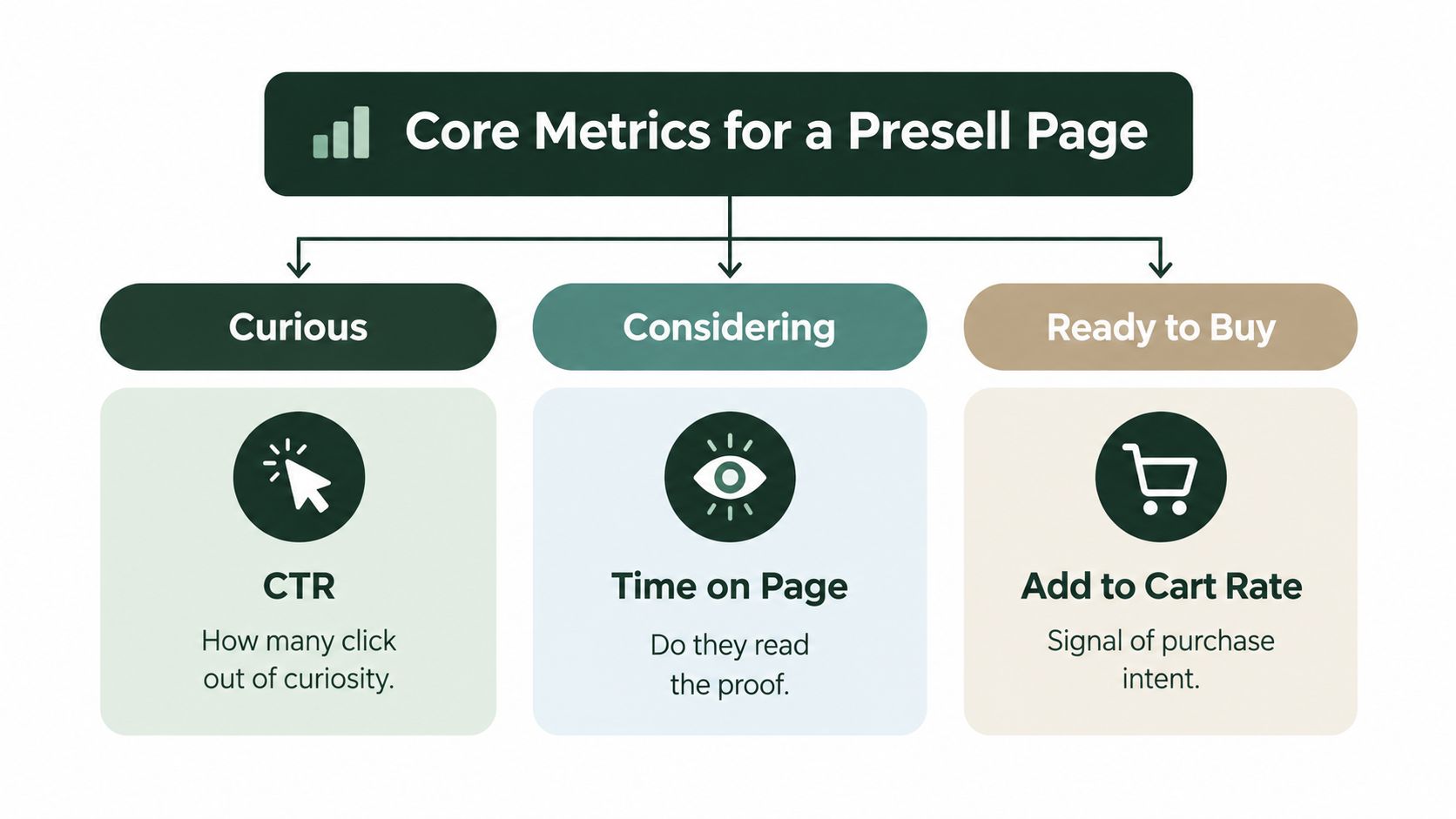
Clicks and click-through rate help test ad-to-page and page-to-next-step alignment. If the ad attracts visitors but few click from the presell into product details, the page may not be making the offer or transition clear. A strong click rate can still hide a weak result if visitors click out of curiosity and don't continue toward checkout. A low rate doesn't automatically mean the CTA needs brighter colors; the copy, placement, and visitor intent all matter.
Scroll depth and attention maps show whether readers reach important sections, such as product proof, comparisons, or FAQs. A drop before the proof suggests a question about the page's opening or structure. But scroll depth isn't a persuasion score. A reader may understand the offer without reaching the bottom, while a long scroll may reflect confusion rather than engagement.
Session duration and engaged time help distinguish quick exits from sustained visits, but time alone can mislead. A long session might mean a visitor is carefully evaluating the product, or it might mean they left the tab open. Use time as a filter for replay review or cohort comparison, not as a standalone measure of page quality.
Funnel-stage conversion connects engagement to commercial intent: page arrival to product click, product click to checkout start, and checkout start to payment completion. Baymard reports a global average cart-abandonment rate of 70.19% across 50 studies, and says 42% of US online shoppers had abandoned a cart because they were browsing or not ready to buy (Baymard checkout-usability research). That's a reminder to distinguish intent from friction. Baymard also reports that the average US checkout displays 23.48 form elements by default, compared with an effective flow of about 12–14 elements in usability testing. A checkout exit may reflect low readiness, unnecessary inputs, or both.
Cohort behavior and retention help answer whether the people who convert resemble the audience the page was designed to persuade. Compare cohorts by source, device, landing-page variant, and downstream purchase behavior. A presell page that wins attention but attracts visitors who don't progress can look healthy in engagement reports while missing the commercial job.
Quantitative and Qualitative Methods Side by Side
Quantitative methods are strongest when you need to locate a pattern across traffic. Event tracking records actions such as CTA clicks, product-detail views, form errors, and checkout starts. Funnel analysis shows which transition loses momentum. Cohort analysis compares behavior among groups defined by source, device, or page variant. Retention analysis connects initial conversion to what happens after purchase, which helps reveal whether the page is setting an accurate expectation.
Each method has a blind spot. Events can show that a CTA didn't get clicked, but not whether readers noticed it, understood it, or trusted it. Funnels isolate the stage where people leave, but flatten the different reasons they may have left. Cohorts can surface a difference between audiences, yet that difference doesn't prove which part of the page caused it. Quantitative data is excellent at telling you where to investigate.
Qualitative methods are better at showing how a visitor experiences the page. Session replays can expose hesitation, backtracking, missed controls, and repeated taps on elements that aren't interactive. On-page polls and surveys can ask readers what they expected or what remains unclear. Moderated usability tests let you watch someone interpret a page and explain their choices in real time.
Choose the method for the question
| If you need to know… | Start with… | Then check… |
|---|---|---|
| Where paid-social visitors drop out | Funnel analysis by source and device | Replays from the exit stage |
| Whether readers see a proof section | Scroll and attention data | Survey responses or replay context |
| Why checkout starts don't finish | Checkout-stage events and errors | Usability testing of the flow |
| Which page frame works for a cohort | A controlled page experiment | Engagement quality and downstream outcomes |
A useful investigation combines both sides. If the data shows readers stop before the proof, review sessions to see whether the opening misses their problem, the proof is hard to scan, or a performance issue interrupts the experience. Then ask a focused survey question if the remaining explanations still matter to the decision.
A metric locates the problem. A replay or conversation helps explain it.
For test design and interpretation, use Landra's conversion rate A/B testing guide to keep the experiment focused on a clear comparison rather than a collection of simultaneous edits. The aim isn't to make every insight quantitative or every decision wait for research. It's to match the method to the uncertainty you need to resolve.
Building the Behavior Analysis Stack for DTC Brands
A useful stack starts with a small, dependable measurement plan. Don't begin by adding every analytics product that promises a complete view of the customer journey. Begin with the events you need to decide whether the presell page is doing its job, and make sure those events mean the same thing across variants.
Instrument the page before testing it
A product analytics platform such as Google Analytics 4 or a comparable tool can record page and funnel events. Define a shared event taxonomy for actions that matter to the presell journey: landing-page view, meaningful content engagement, product-detail click, CTA interaction, checkout initiation, form error, payment failure, and purchase. Keep event names and properties consistent across page variants, and capture useful context such as traffic source, device category, consent state, and page version.
Use a tag manager to maintain tracking without burying every measurement change in custom page code. Then validate events on the live experience. Check that repeated interactions don't create duplicate events, that variants are identified correctly, and that the purchase event is tied to an actual transaction rather than a button tap.
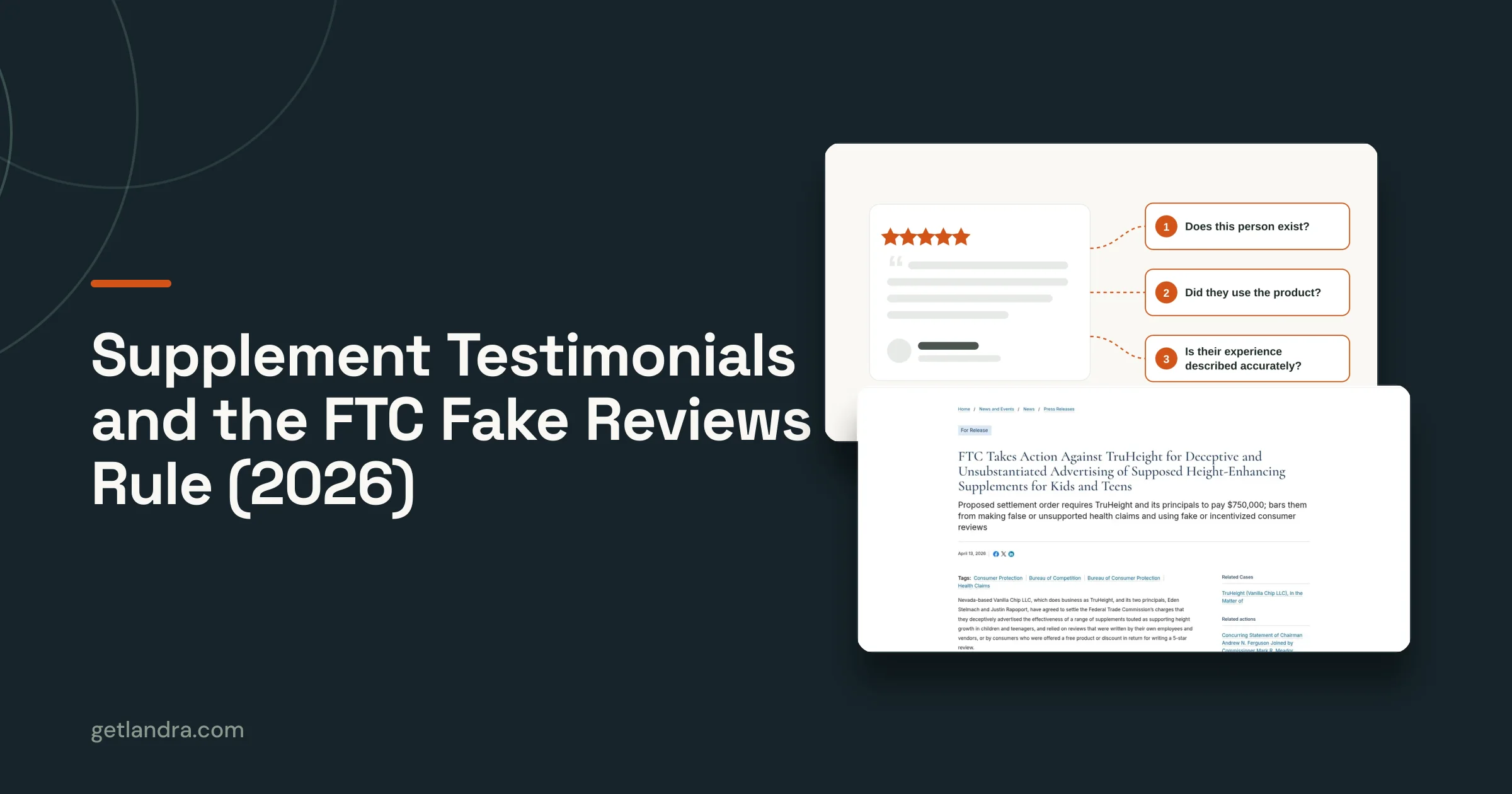
Set a privacy-aware measurement plan instead of assuming every visitor is observable. A 2025 study of 522 participants found that privacy-interface design, including bundled choices, screen count, and preset options, changes comprehension, sentiment, and behavior. Separate research covering 10,000 frequent internet users in the United States and five European markets found that 23% said they fully understood how brands use their data, 42% read consent banners always or often, and 46% accepted cookies less often than three years earlier (2025 privacy-interface research). Treat consent state and measurement loss as part of the analysis. A lower observed conversion rate can reflect who was measured, not just how well the page persuaded.
Add experimentation after the baseline is credible
Once the events work, write a hypothesis that names the audience, the page change, and the expected behavior. Choose a primary outcome, such as product-detail clicks or checkout starts, and guardrails that catch trade-offs, such as payment completion or page performance. Decide how traffic will be split, what result would be useful for the business, and how you'll account for uncertainty before making the result a rollout decision.
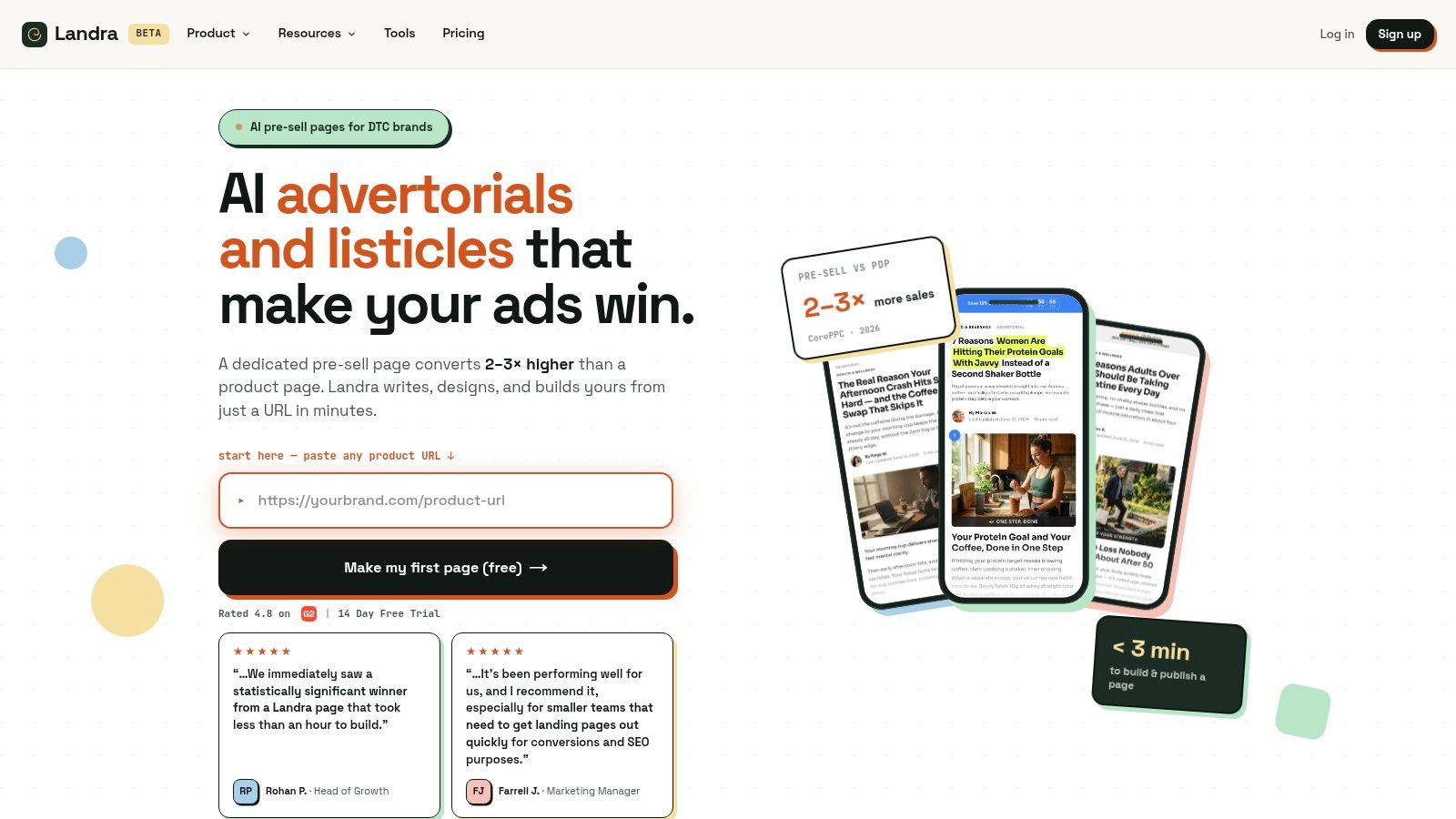
The production workflow should be equally deliberate. A page-generation platform such as Landra can turn a product URL into an editable, mobile-first advertorial or listicle; an analytics layer measures how each version performs, and an experiment decides whether to keep or revise the change.
Add more complexity only when the current setup leaves a decision unanswered. Compare CRO tools for DTC brands based on what they help you observe or test, and weigh implementation cost against the credibility of the result. For post-purchase questions, a churn and cohort metrics guide can help connect initial acquisition and conversion to longer-term customer behavior.
Reading Behavior to Improve a Presell Page
A weak presell page rarely needs a redesign before it needs a diagnosis. Start by locating where behavior changes, then look for an explanation before writing new copy. A practical sequence is events, scroll behavior, replays, then direct feedback.
First, use events to identify the broken transition. If cold paid-social traffic reaches the page but rarely clicks through to product details, the issue may be the message or the next-step prompt. If product-detail clicks are healthy but checkout starts stall, investigate the offer, product page, and handoff rather than rewriting the advertorial.
Next, compare scroll depth with the content sequence. If visitors stop before the proof, review whether the opening has made the problem clear and whether the proof answers the reader's likely objection. Then inspect replays from the relevant audience. Look for skipped sections, hesitation near the CTA, repeated taps, and signs that a page element behaves differently from what it appears to promise. Use a short poll or survey when those observations leave competing explanations.
Turn the diagnosis into one test
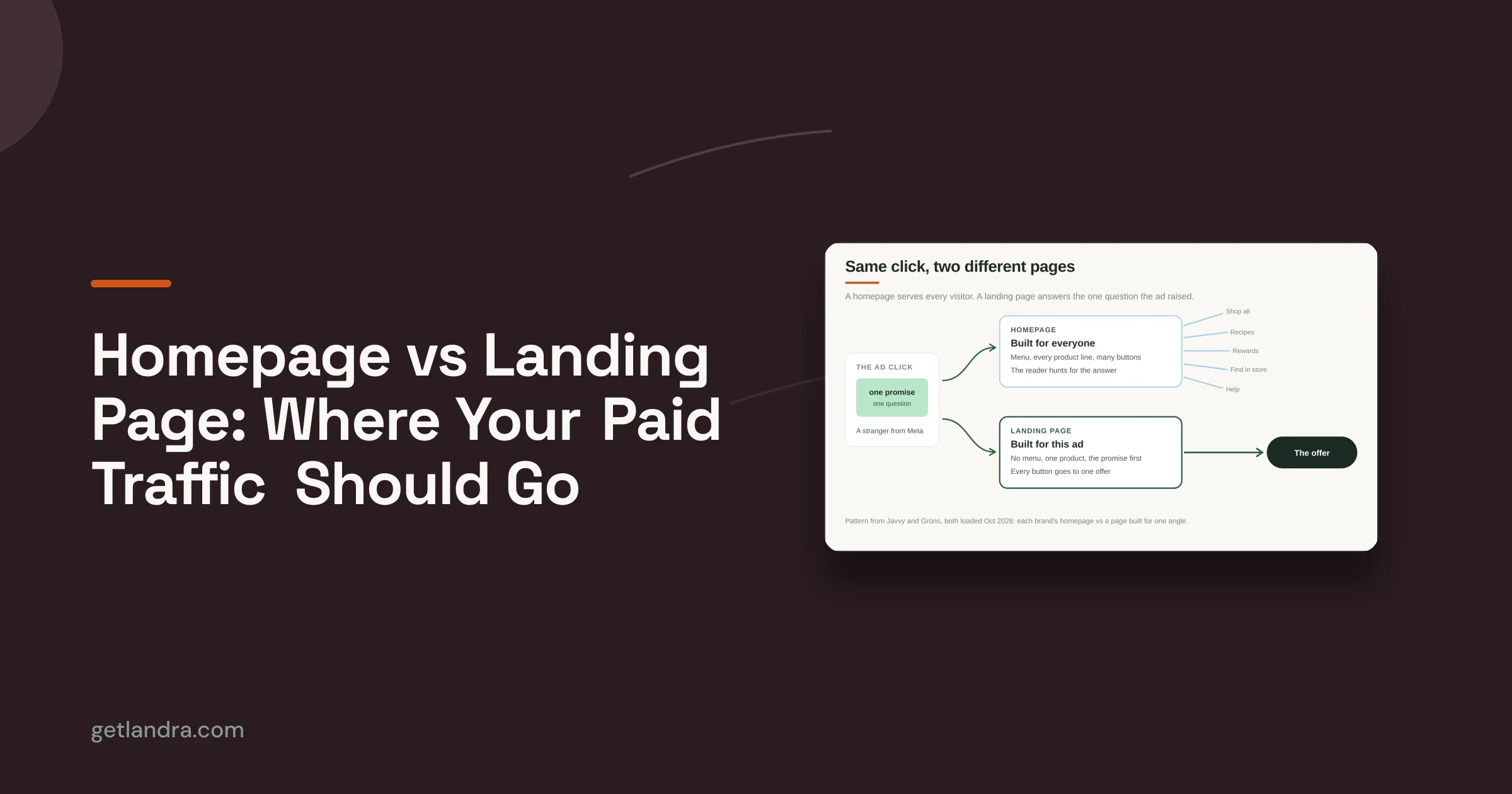
Consider a cold paid-social visitor who arrives from an ad about a specific frustration but sees a product-first page. If the opening doesn't reflect the ad's problem framing, build a problem-led advertorial variant that starts with the reader's situation, then introduces product proof and the offer. The hypothesis should be specific: for this cold audience, matching the page opening to the ad's problem framing will increase meaningful progression toward the product. Keep the test focused on that change so the result says something useful.
A second diagnosis might come from a listicle where visitors read the opening but leave before engaging with the product options. Replays could show that the ranking criteria are unclear, while survey responses indicate that readers can't tell which option fits their needs. Test a clearer comparison frame, then track product-detail clicks and checkout starts alongside scroll behavior. Don't call a longer session a win if readers still don't progress.
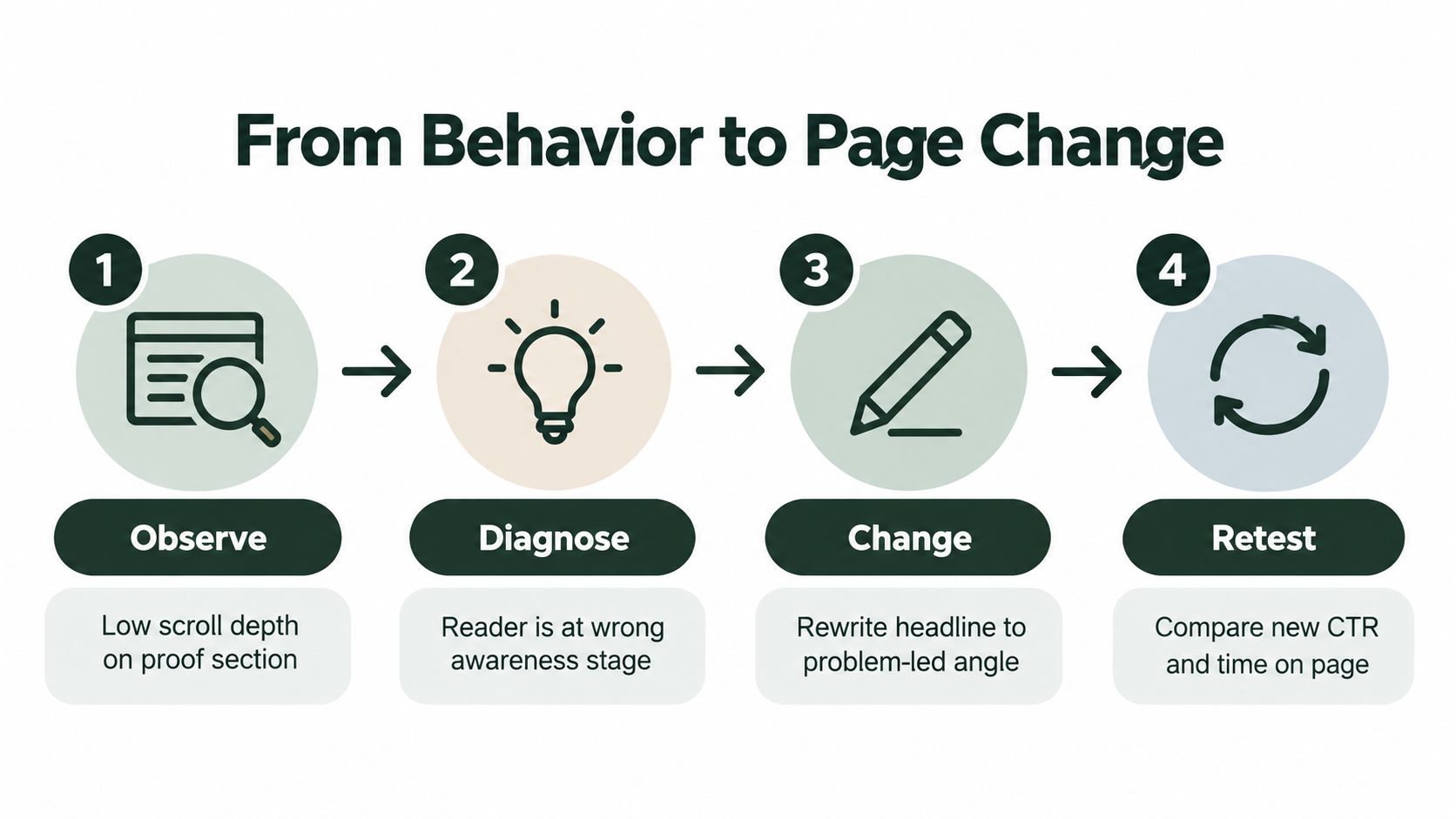
The loop stays simple: observe the behavior, diagnose the likely cause, change one meaningful part of the page, and retest against the original experience. Pick a primary metric that reflects the intended action, then protect against misleading wins with guardrails. For example, a rise in CTA interaction doesn't settle the question if checkout starts or payment completion deteriorates.
With Landra's workflow, a team can generate a presell from a product URL, duplicate it to create a second page frame, and route paid-social visitors to each version. The analysis should decide what happens next: keep the stronger experience, revise the tested idea, or retire the variant. The tool can reduce production friction; it can't replace the diagnosis or make an inconclusive test decisive.
Two DTC Examples and How Landra Closes the Loop
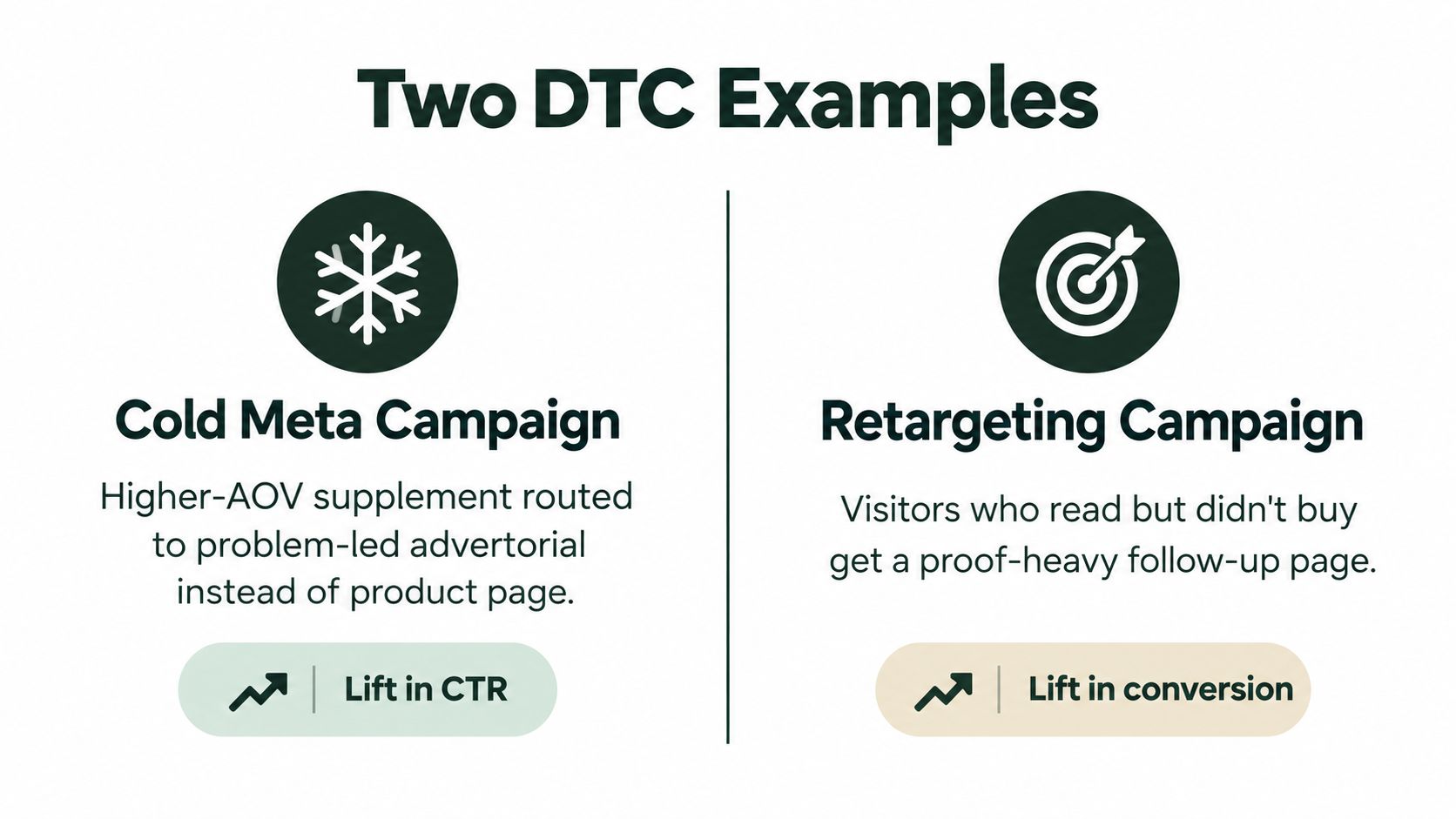
A cold Meta campaign for a higher-priced supplement may attract visitors with a problem-focused ad, then lose them on a product page that assumes they're already ready to buy. A problem-led advertorial gives the reader room to understand the issue, consider relevant proof, and reach the product with more context. The team can compare the two routes by looking at content engagement, product-detail clicks, and checkout starts, then keep the page that advances the right audience rather than the one that merely holds attention.
A beauty brand might test a problem-led listicle against a best-of frame. If visitors enter from an ad promising help with a particular concern, the problem-led version may make the page feel like a continuation of that promise. If they arrive already comparing products, the best-of format may make selection easier. The decision should follow observed behavior by cohort, not an assumption that one page format always wins.
Mobile deserves its own readout rather than a responsive-design checkbox. The 2025 Global Digital Shopping Index reports that 48% of global shoppers used a mobile phone the last time they made a retail purchase (Global Digital Shopping Index). For DTC teams, that supports treating mobile-first page review and device-level behavior analysis as the default, especially for paid-social traffic.
The cycle is practical: watch where visitors hesitate, duplicate the relevant page frame, test a focused change, and retire versions that don't advance the intended action. Landra offers editable advertorial and listicle page generation, mobile-first output, and inline duplication for building variants from a product URL. If you're ready to connect page behavior to a testable presell change, visit Landra and build a version you can measure against your current page.